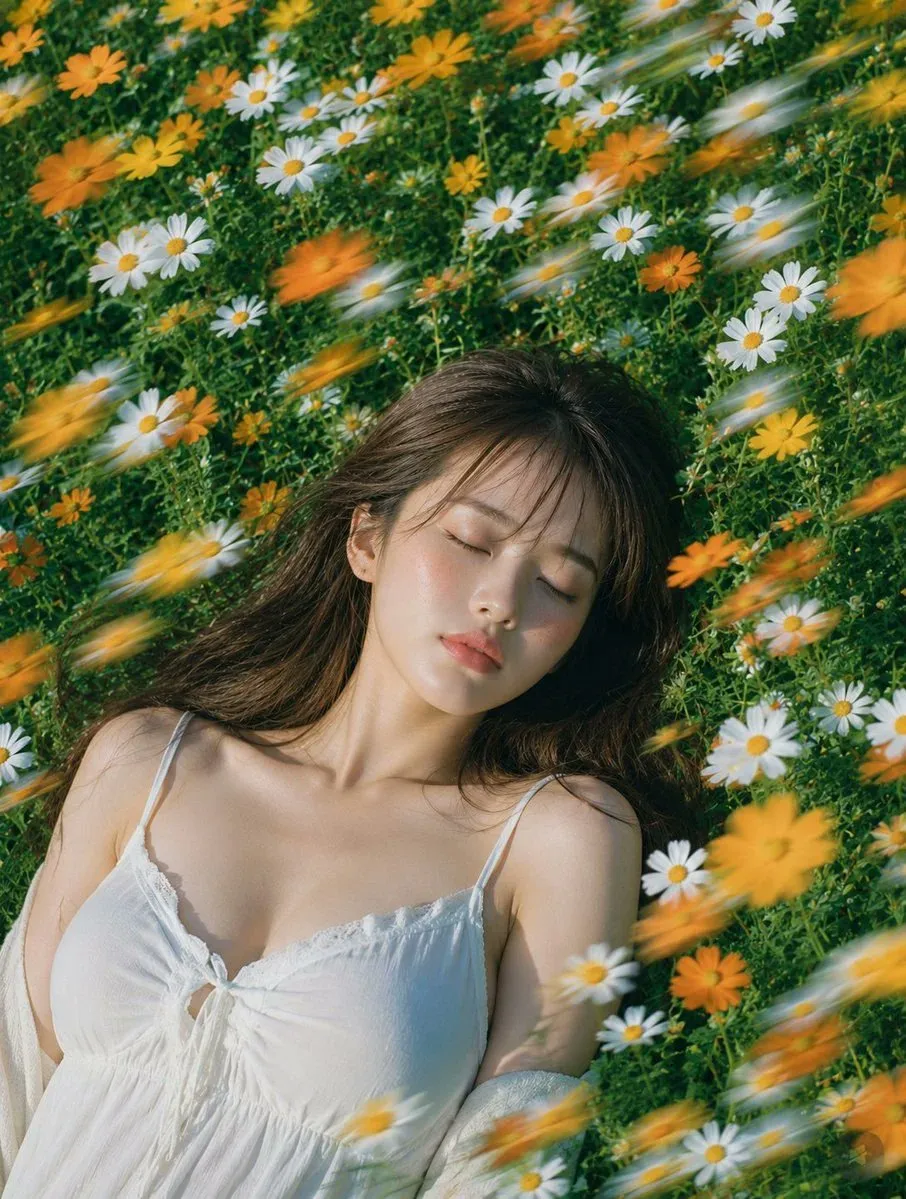
60 Professional Headshot prompts to copy
Every prompt below links to the full prompt page with the image and copy button.
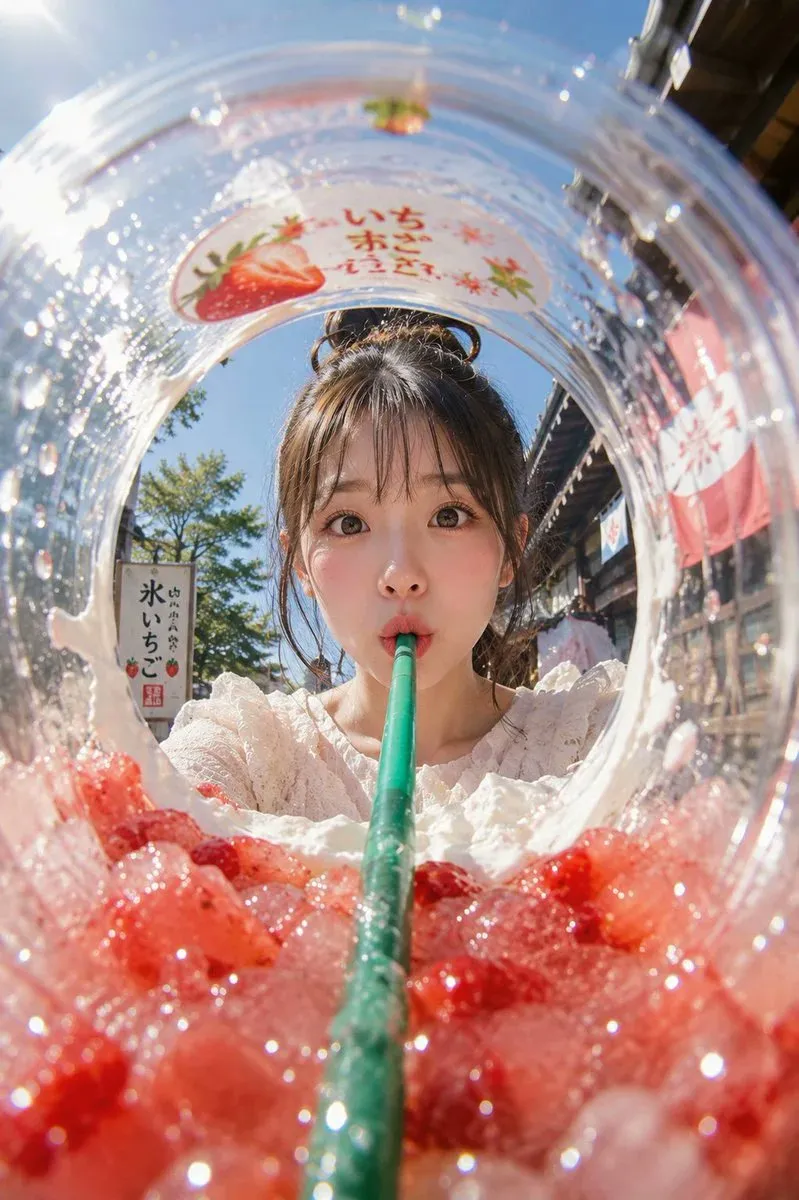
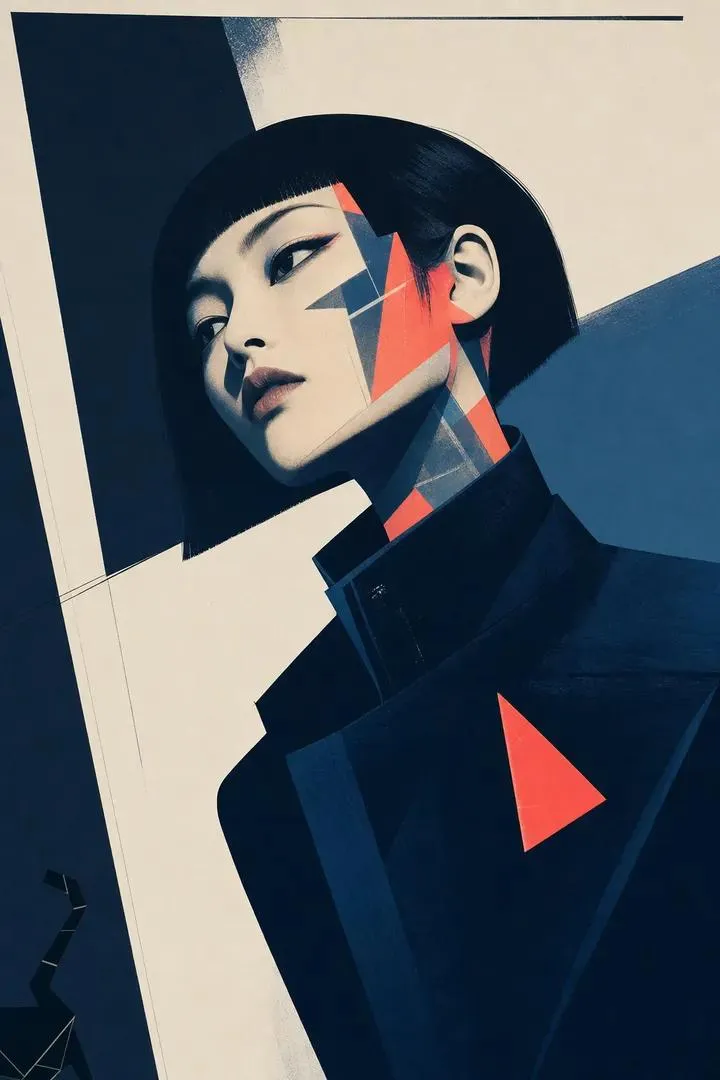
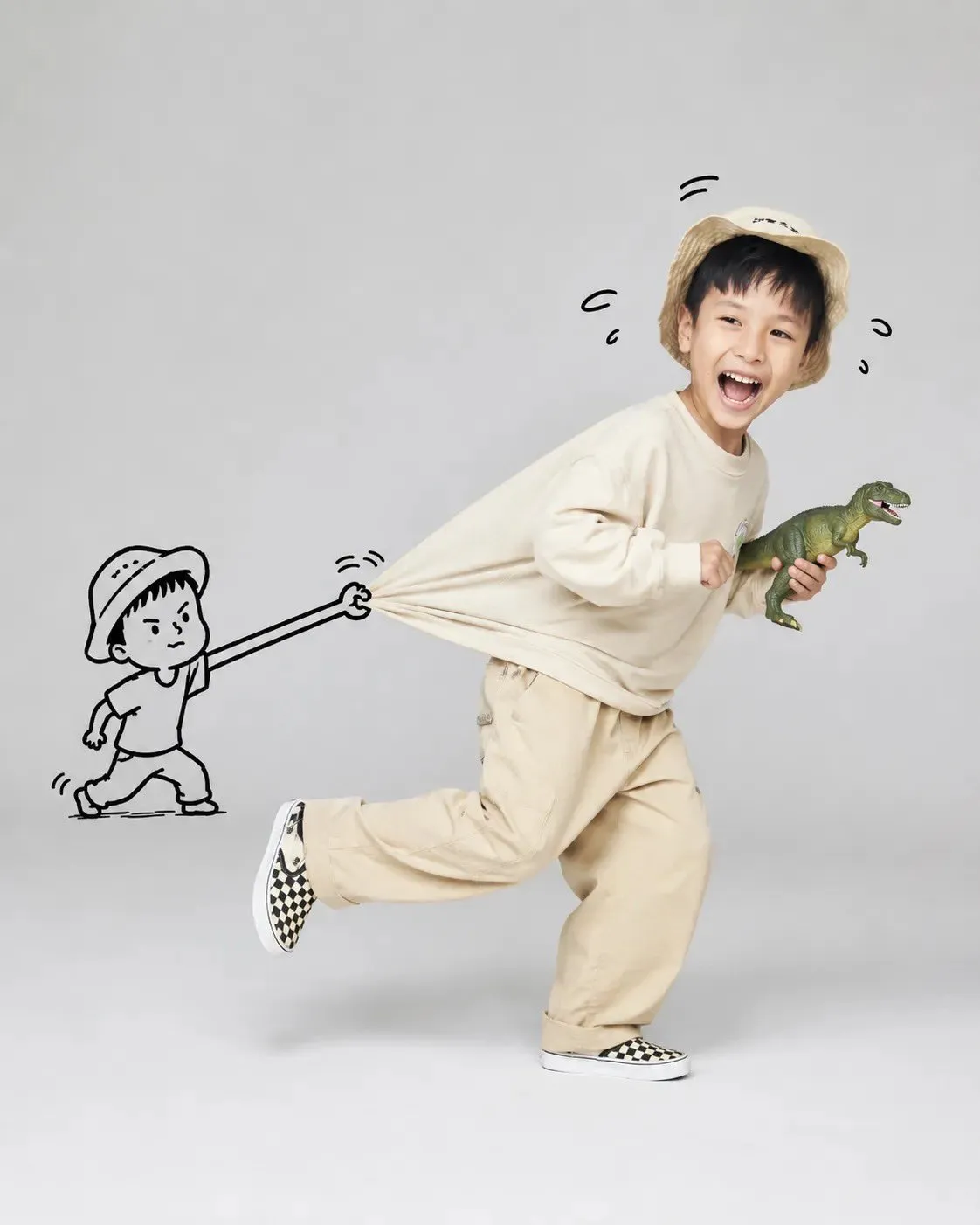
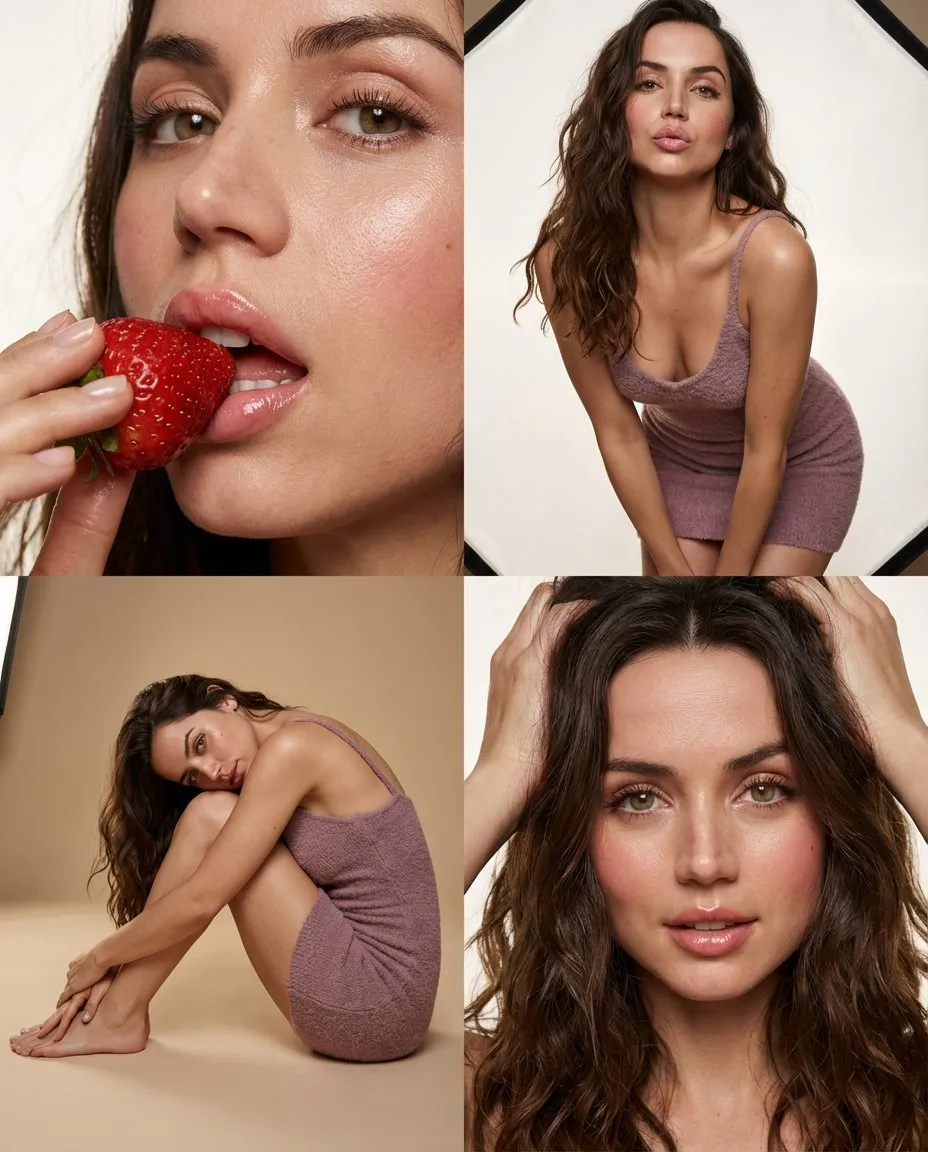
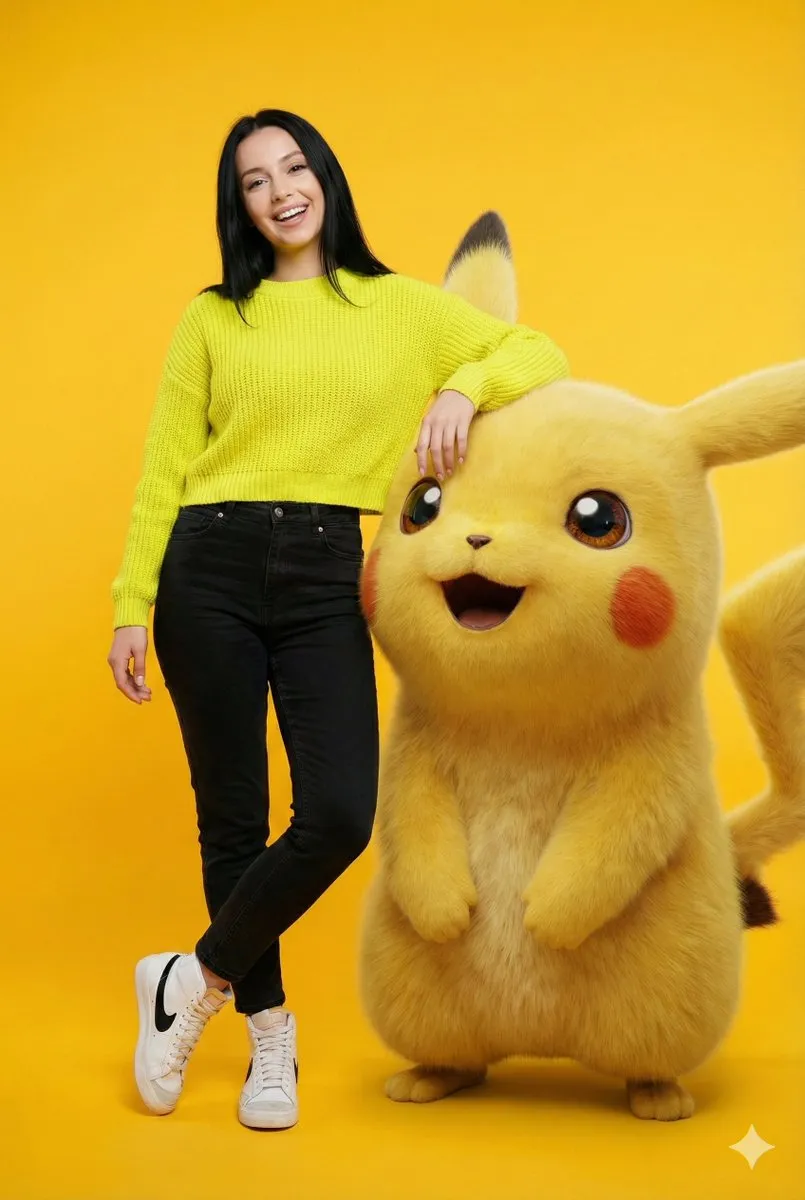
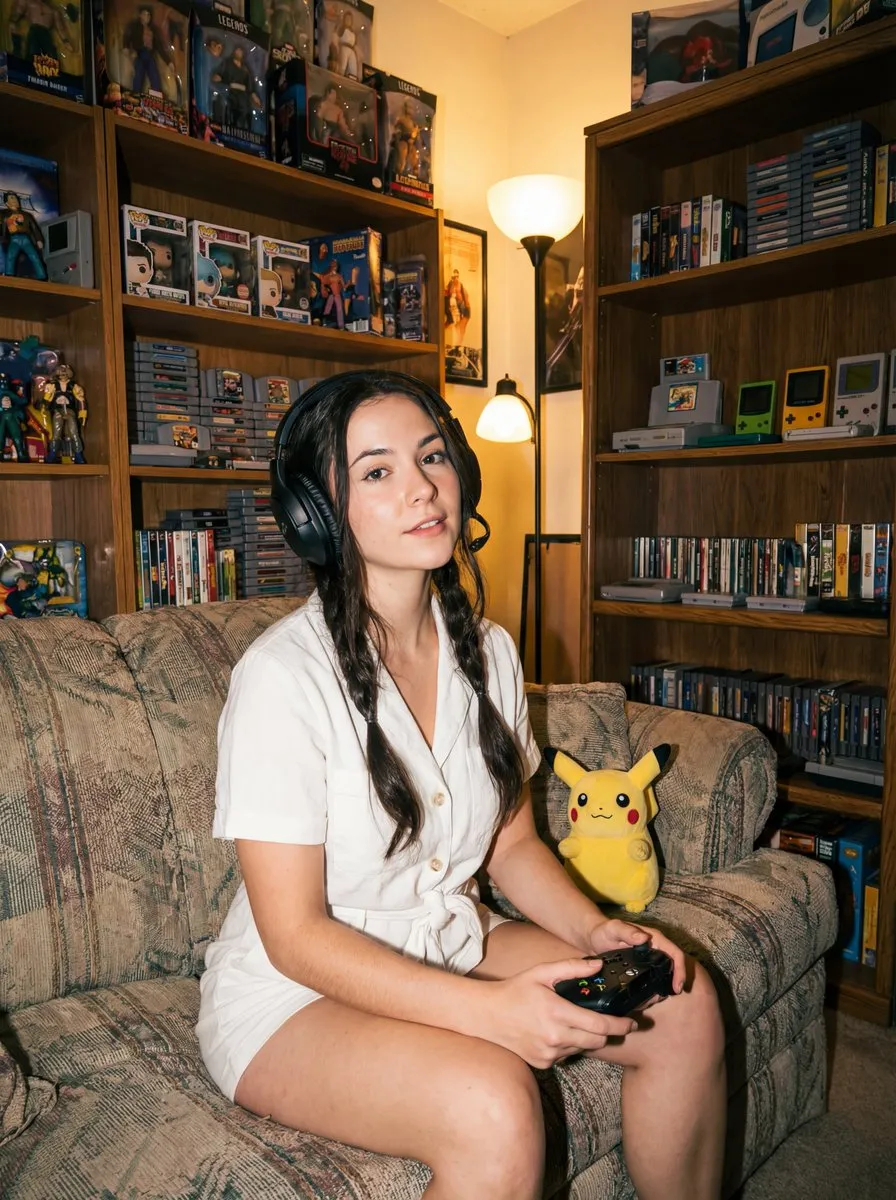
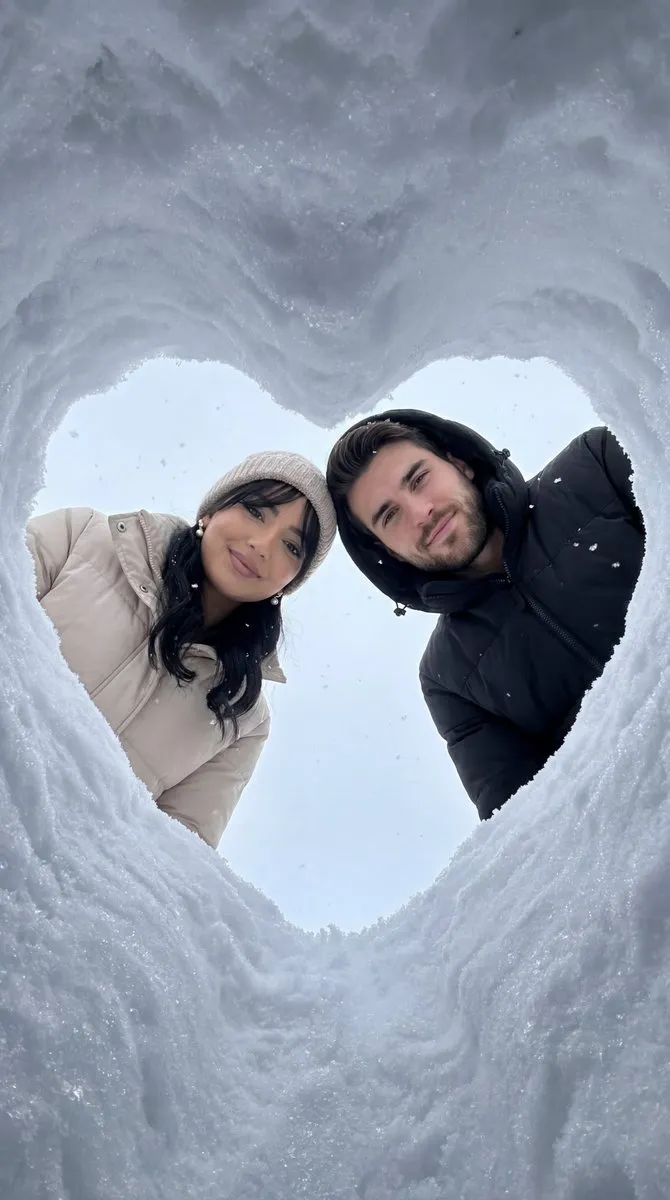
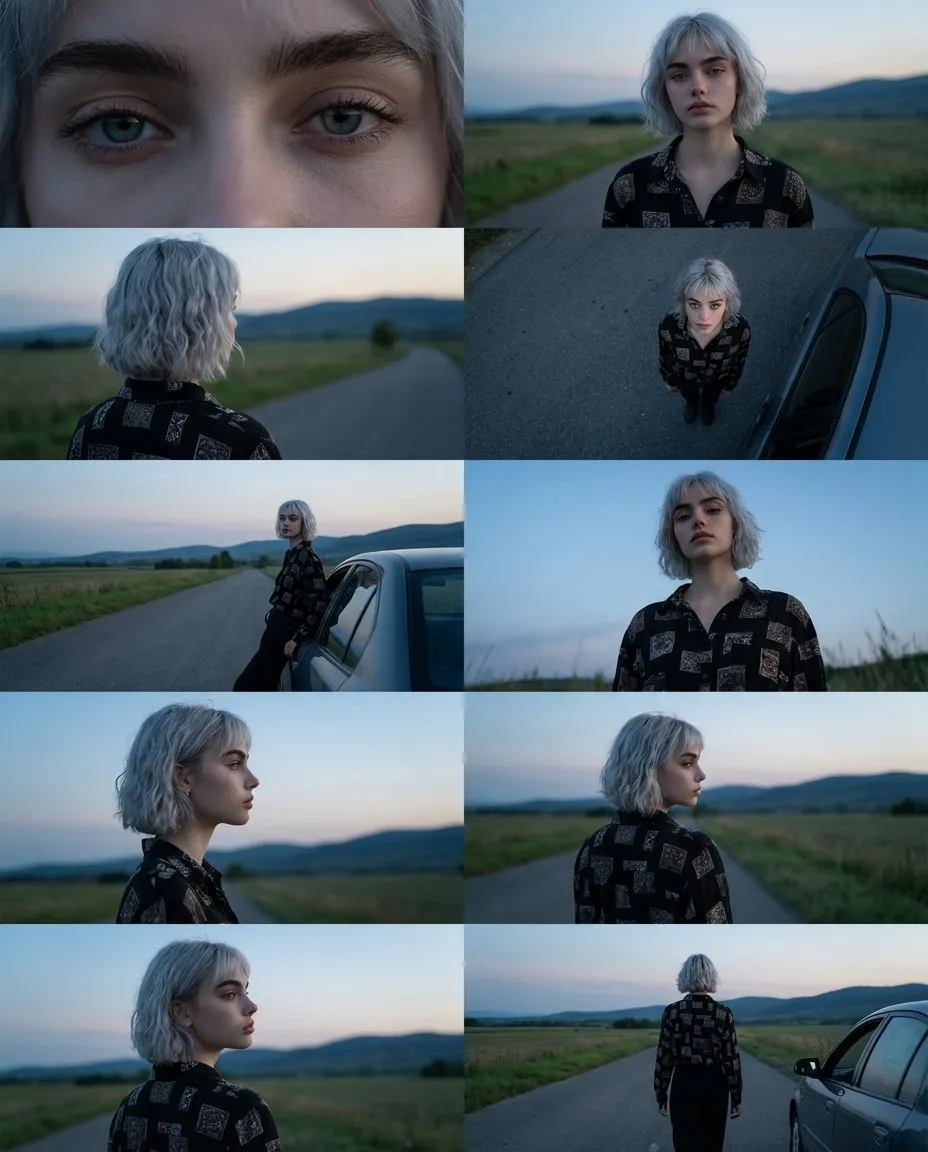
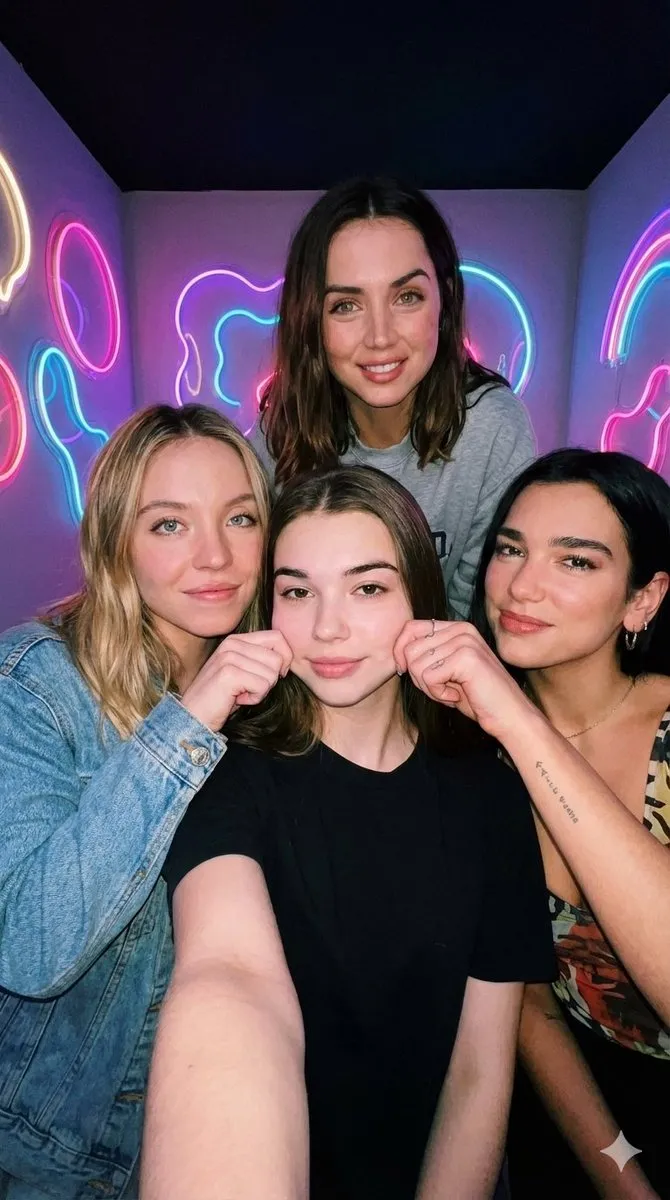
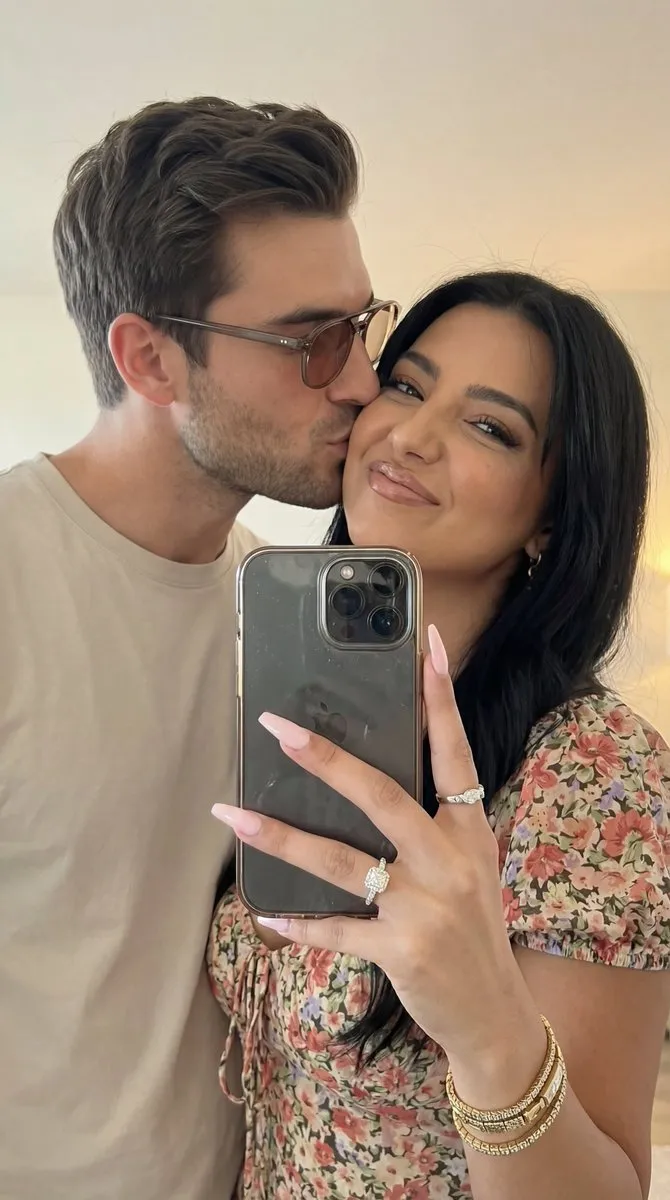
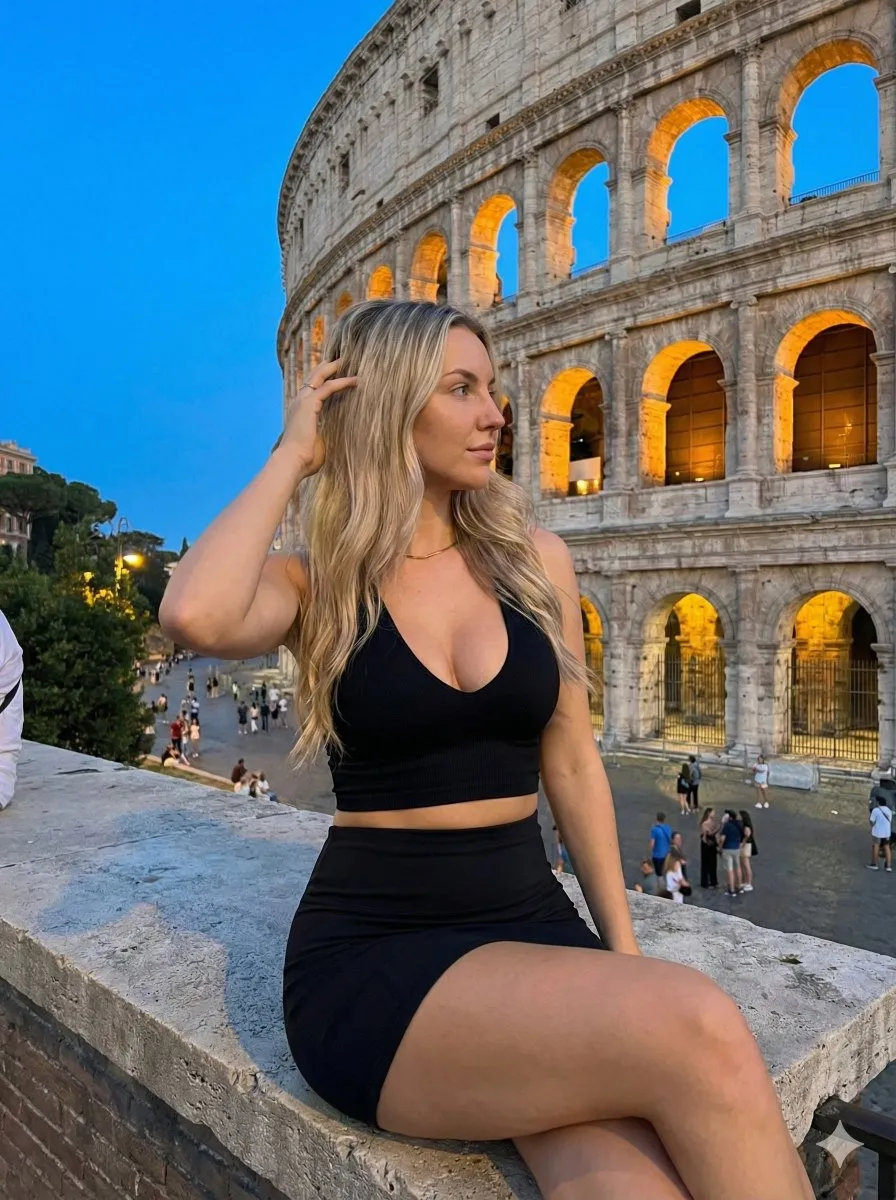
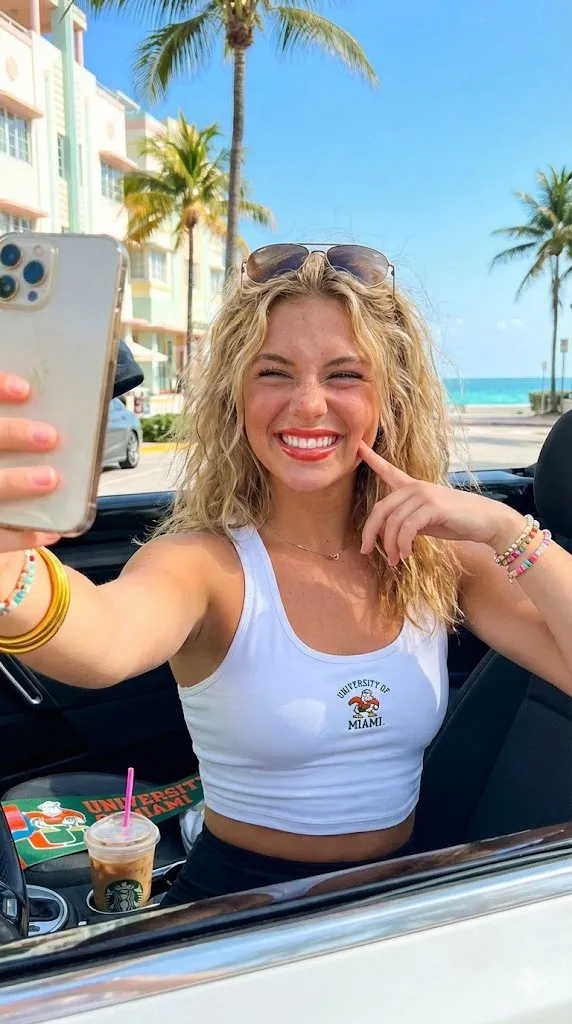
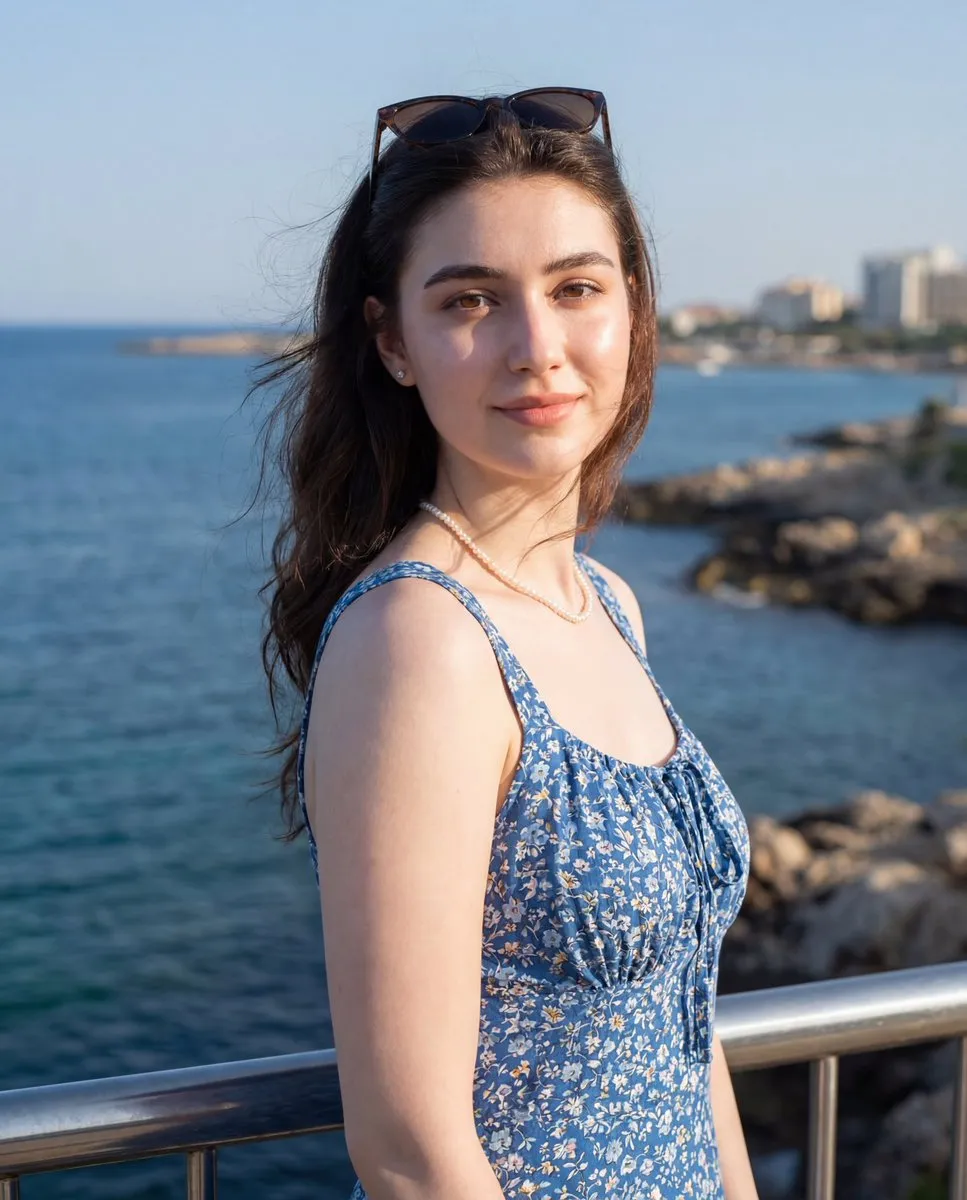
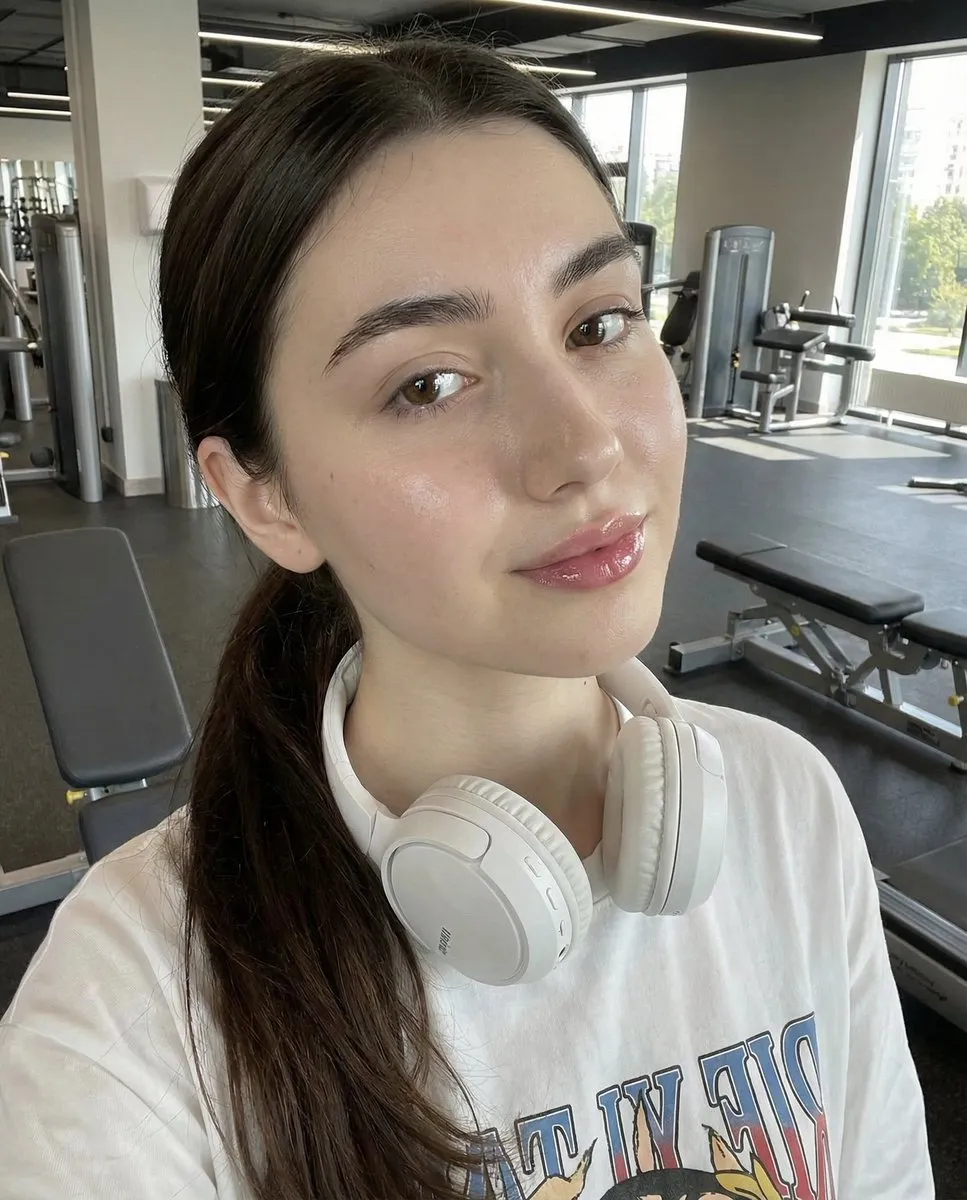
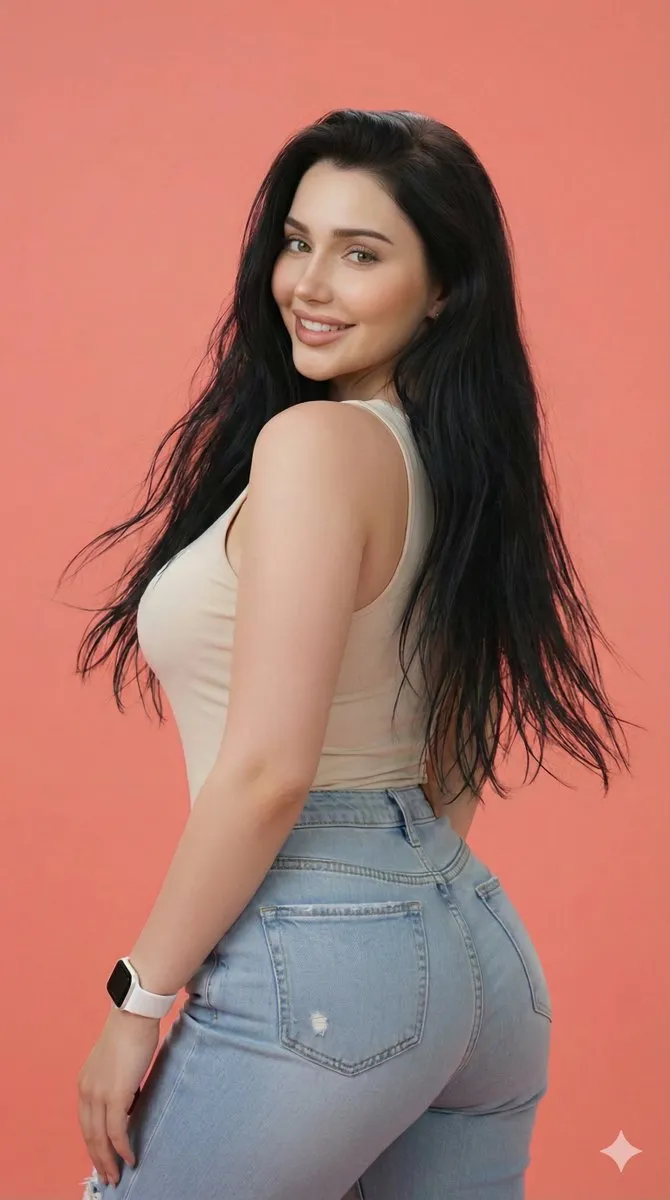
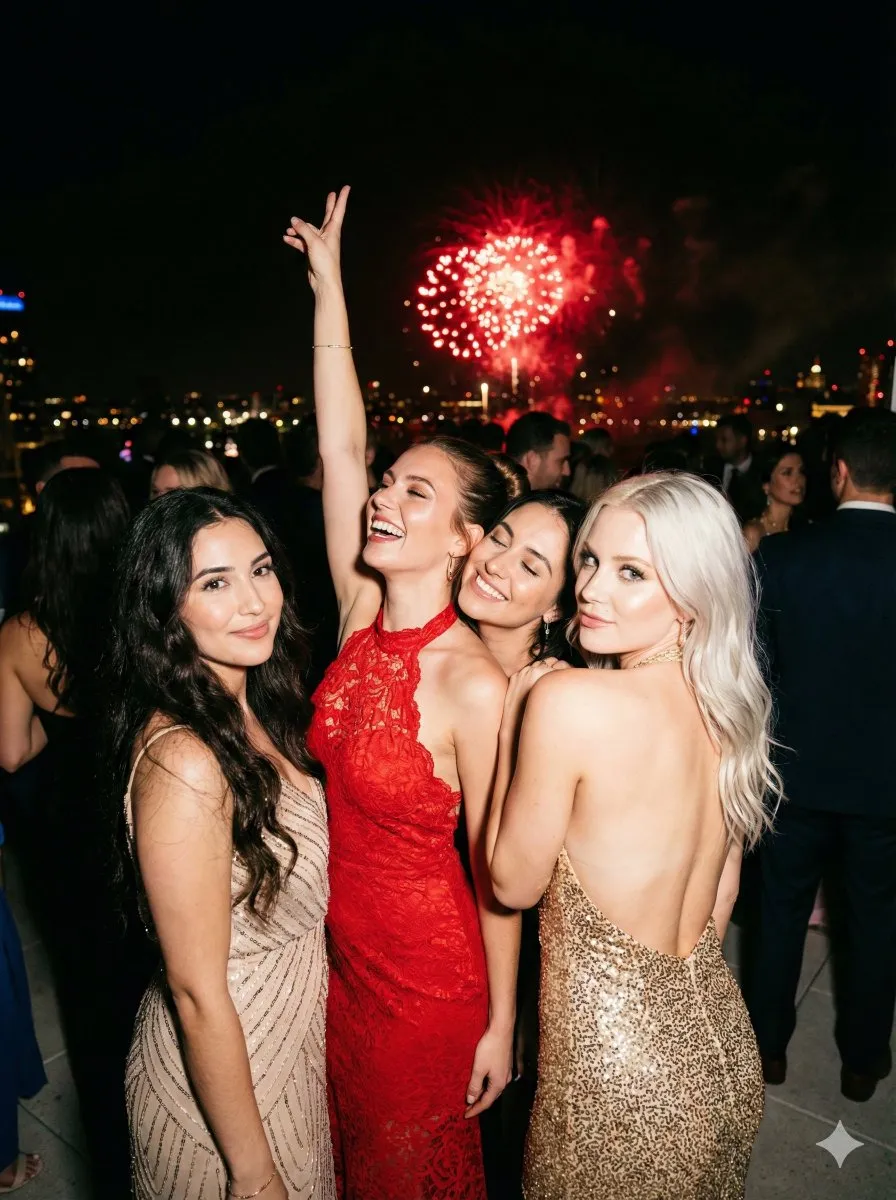
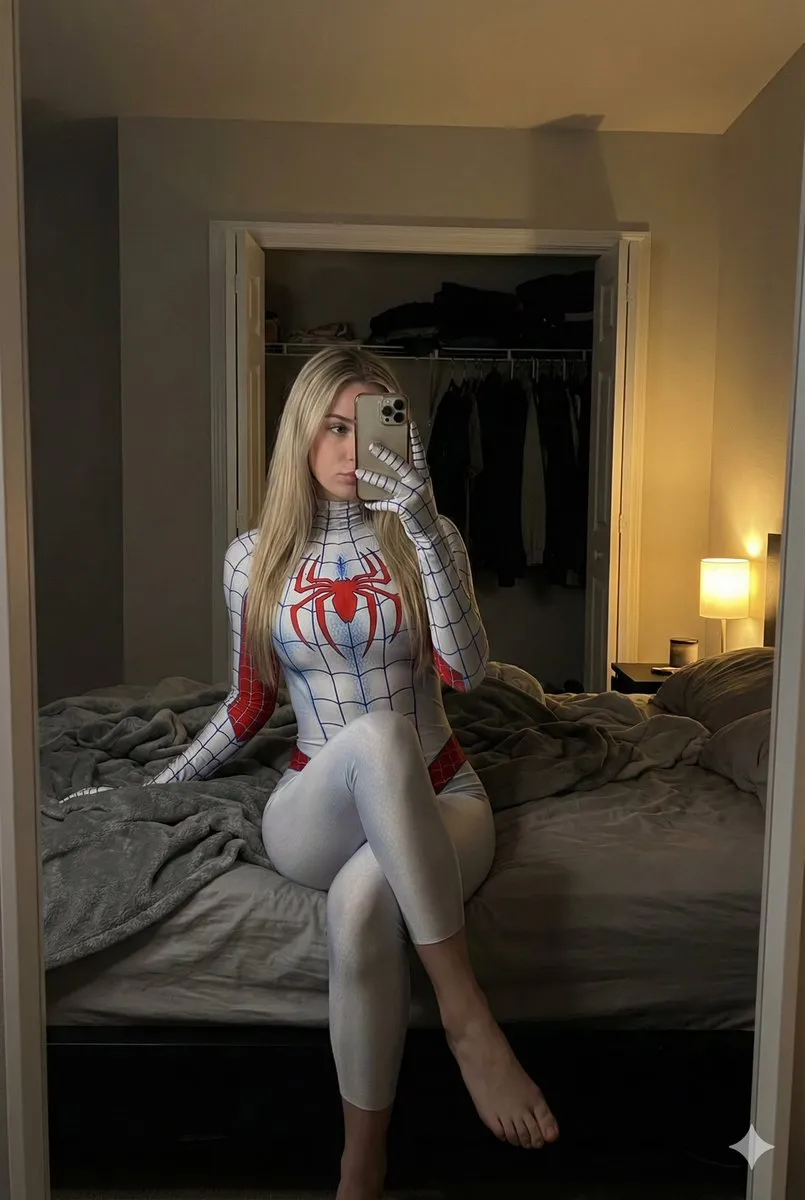
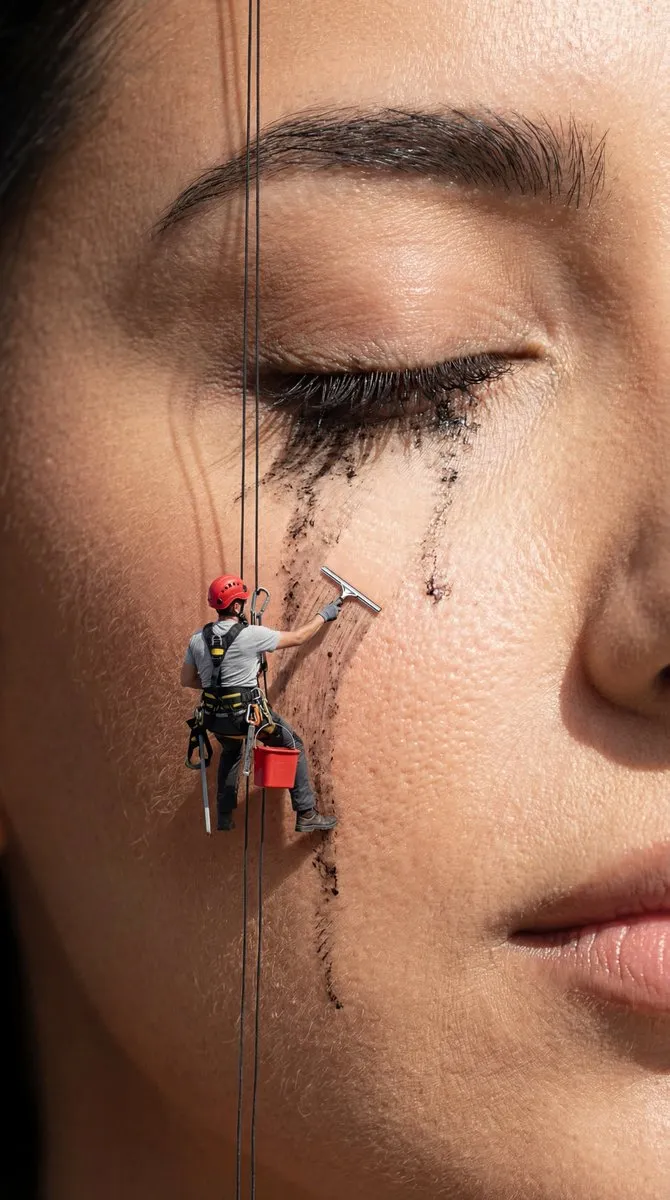
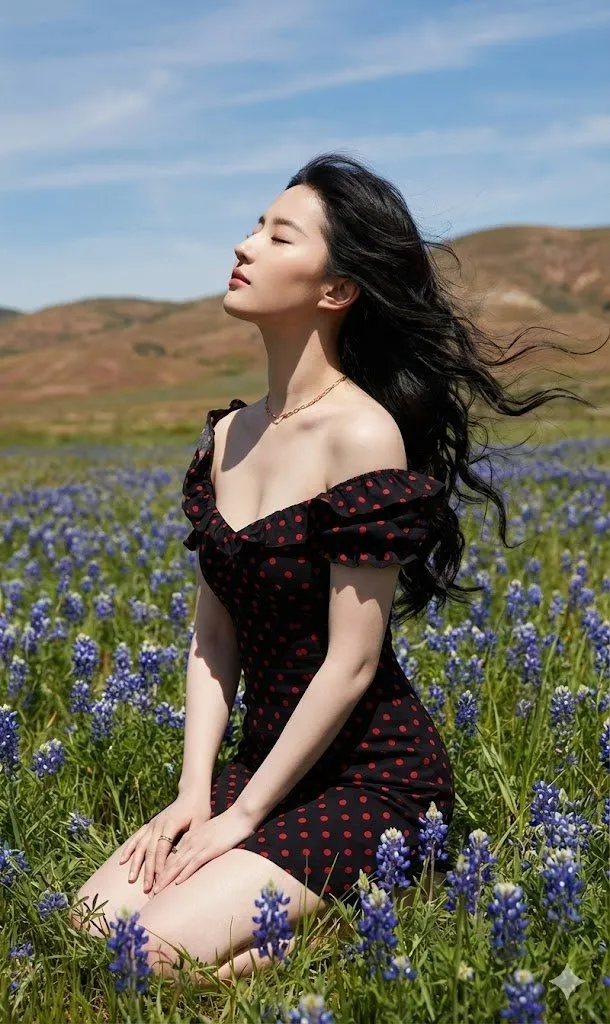
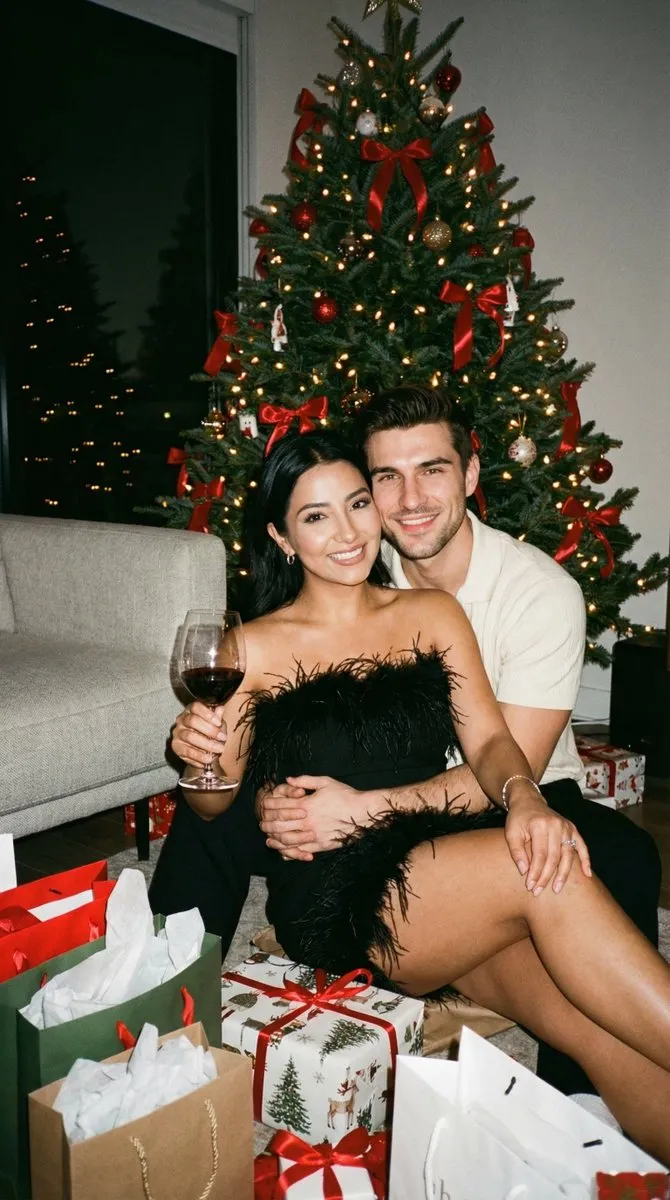
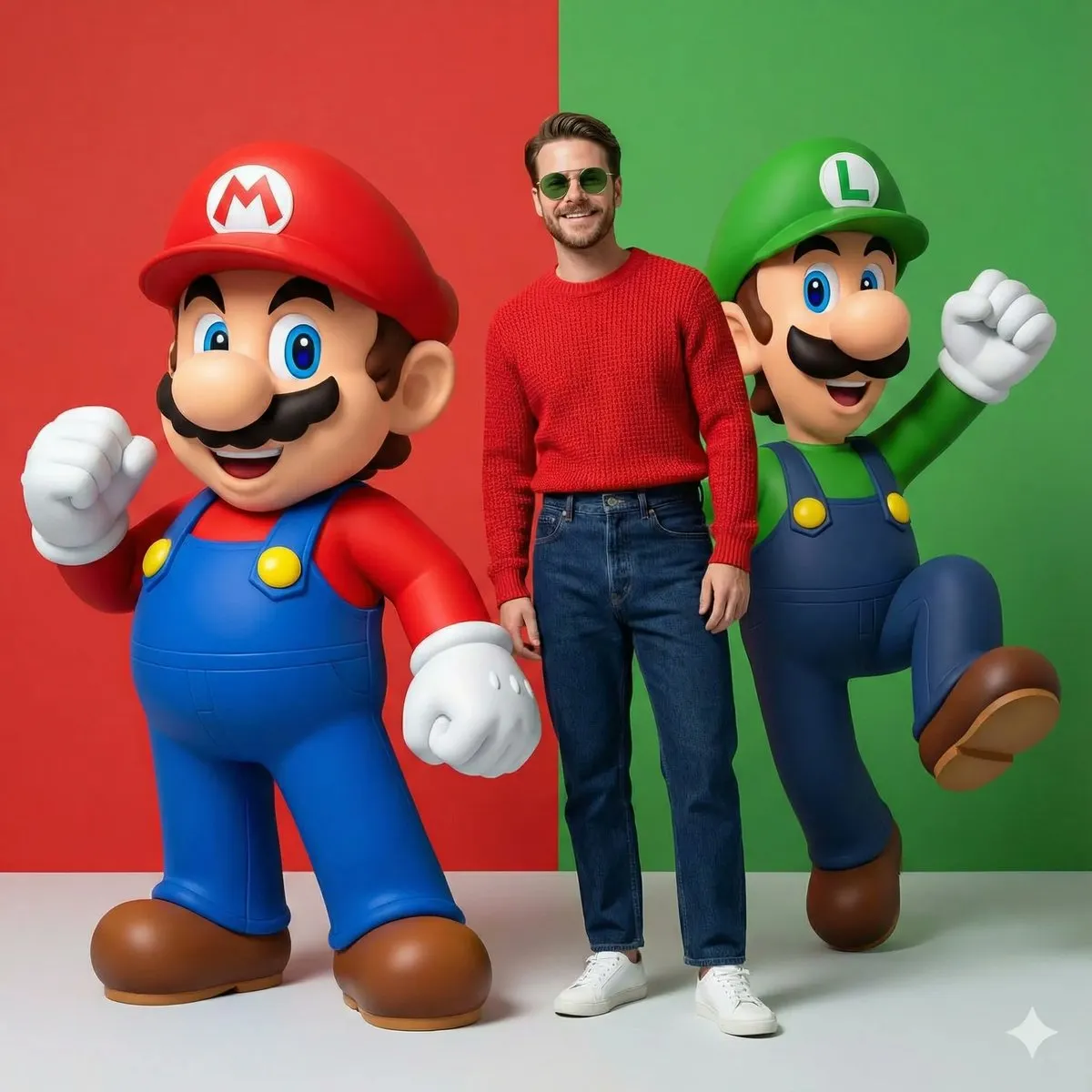
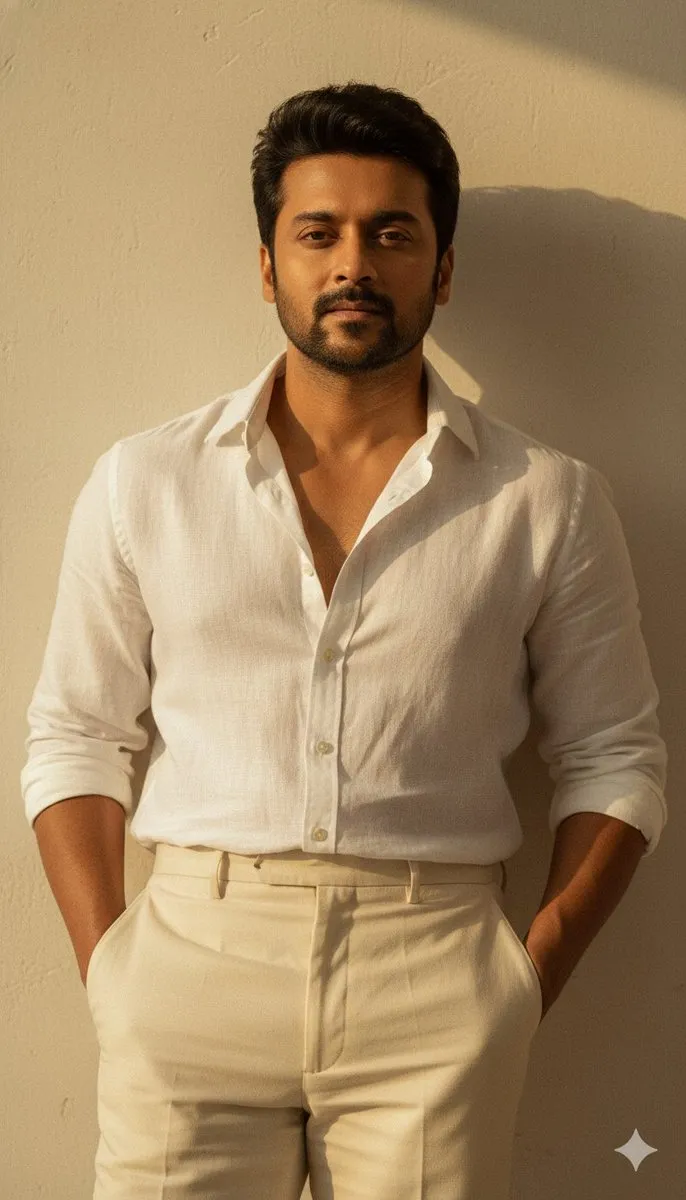
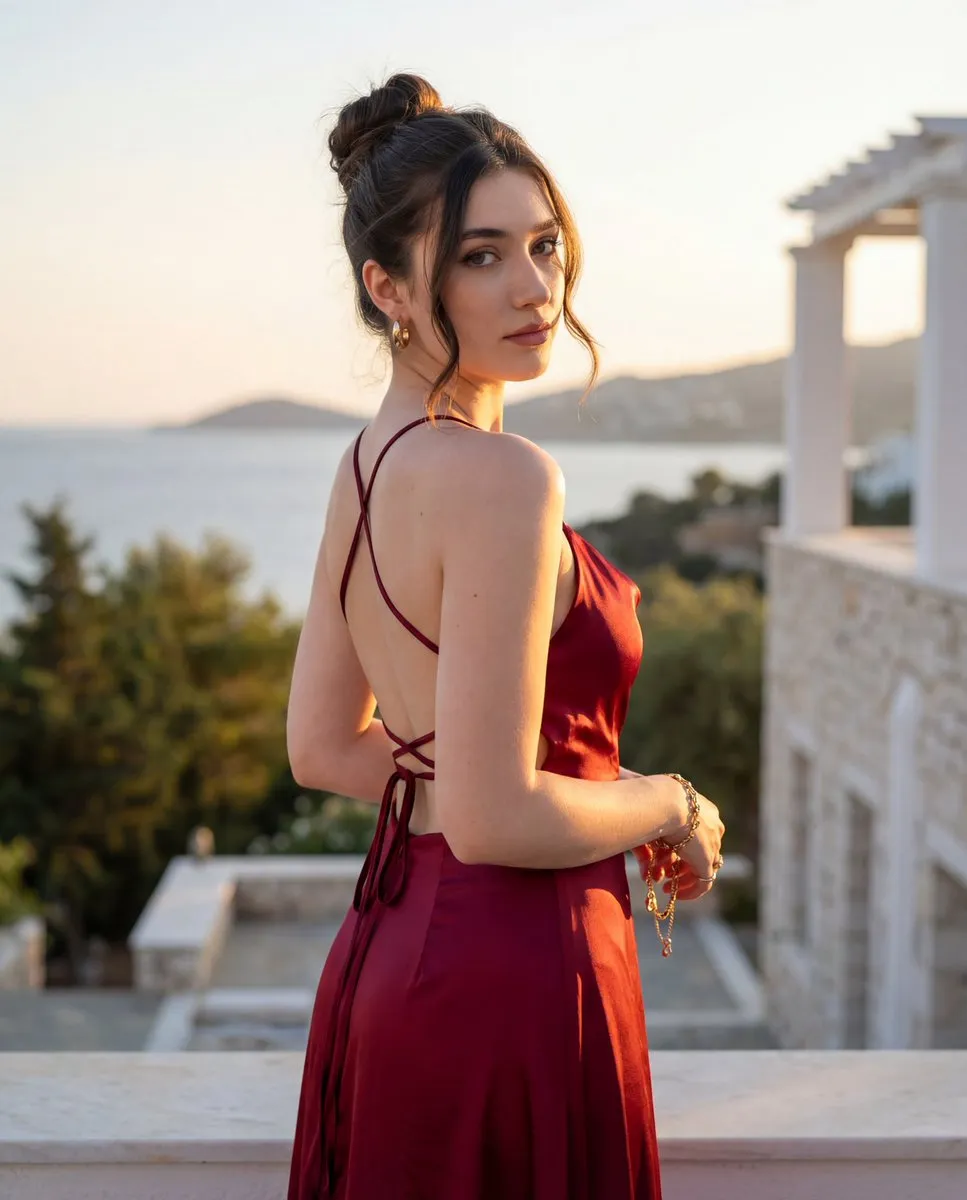
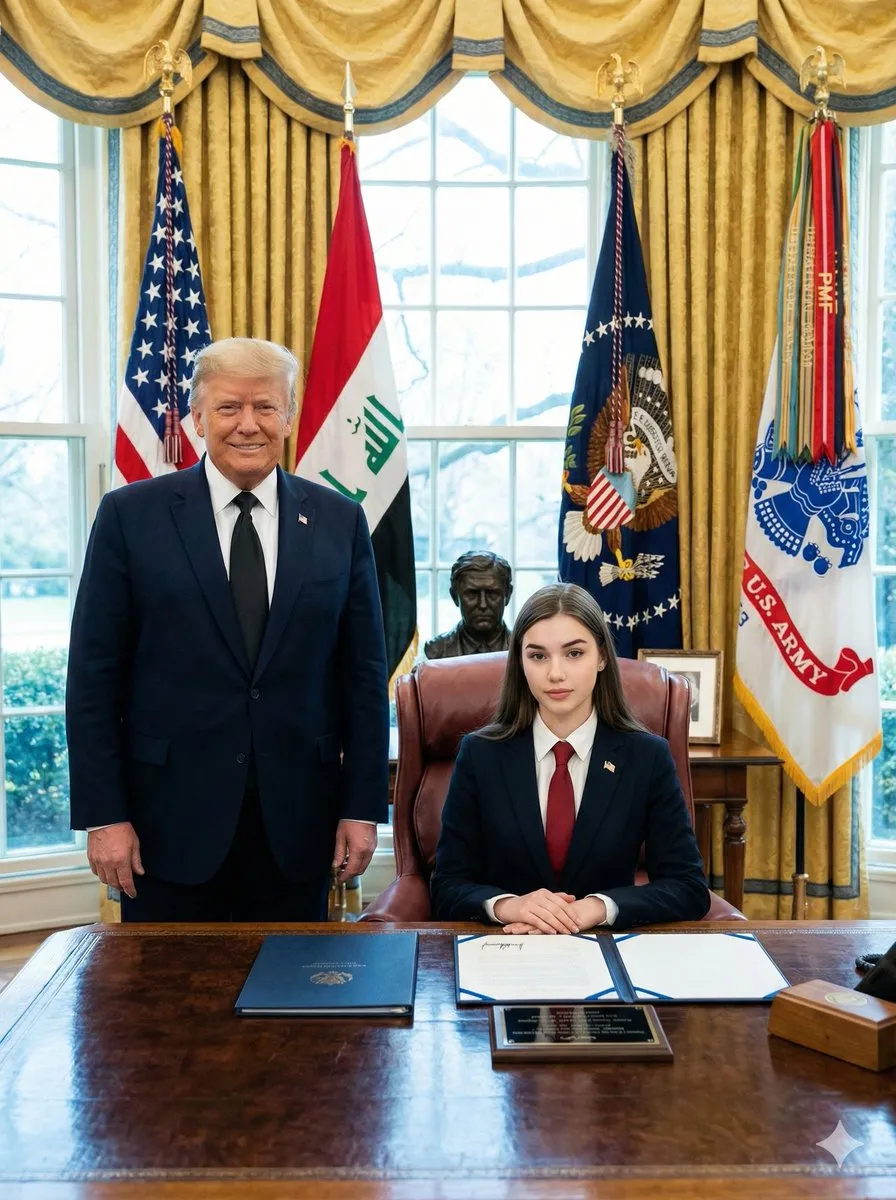
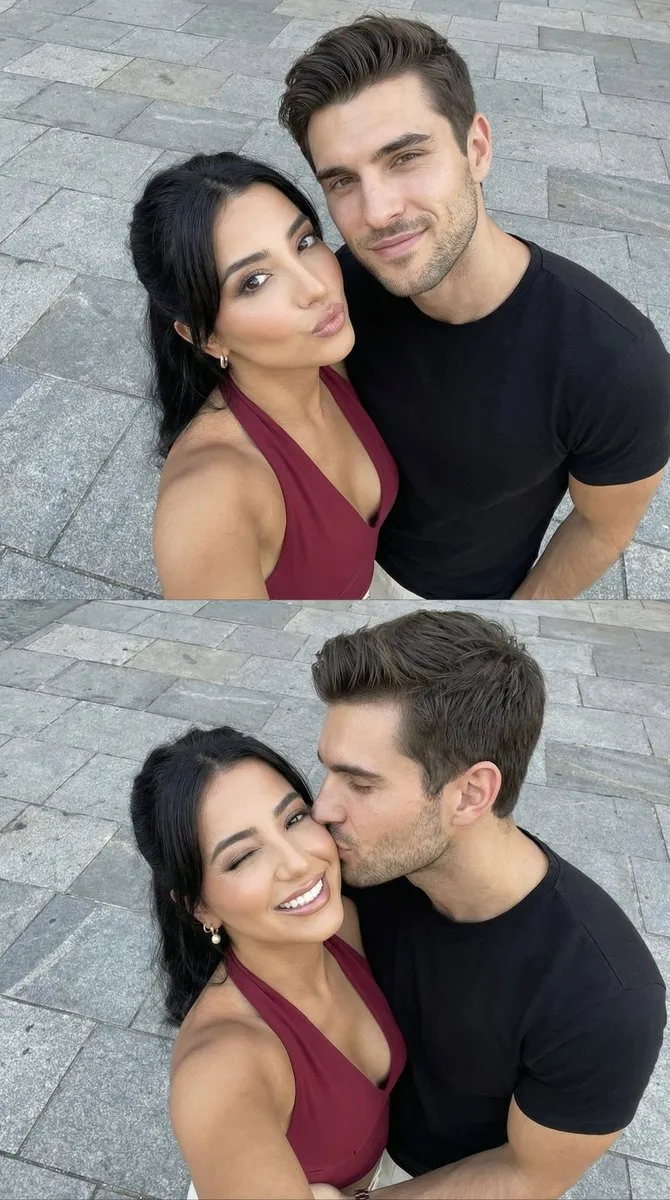
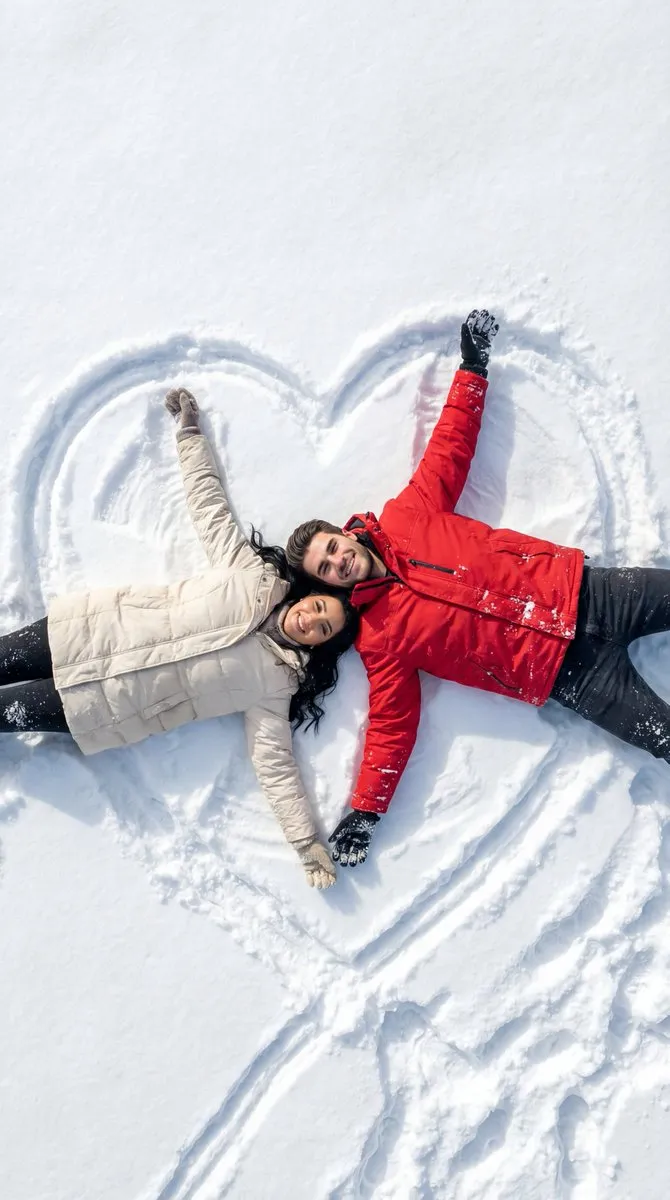
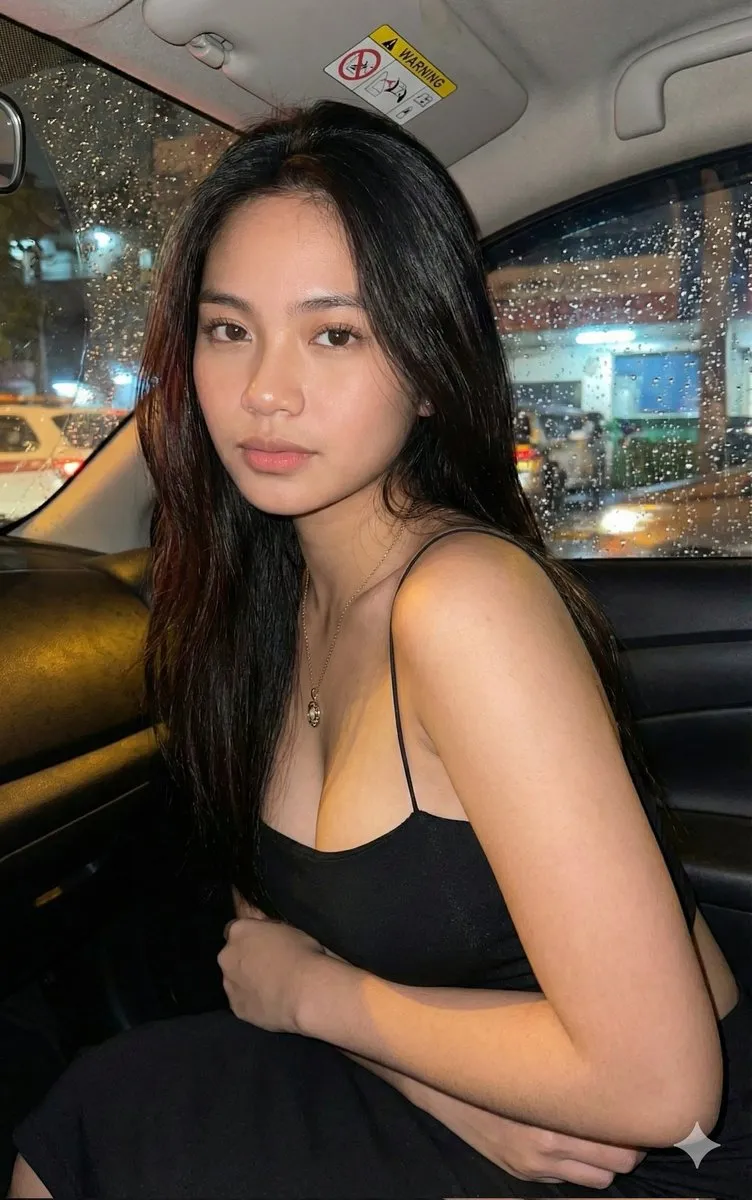
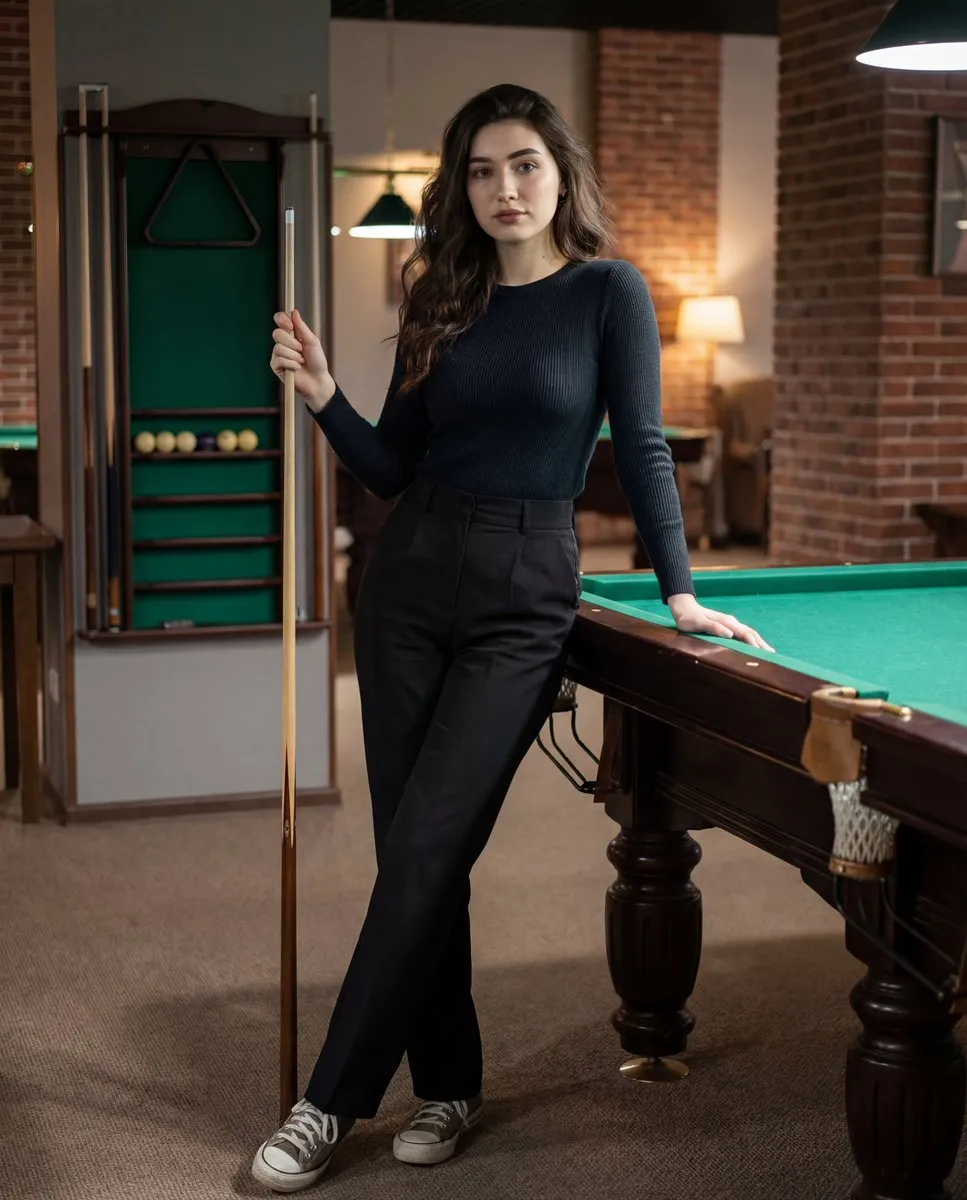
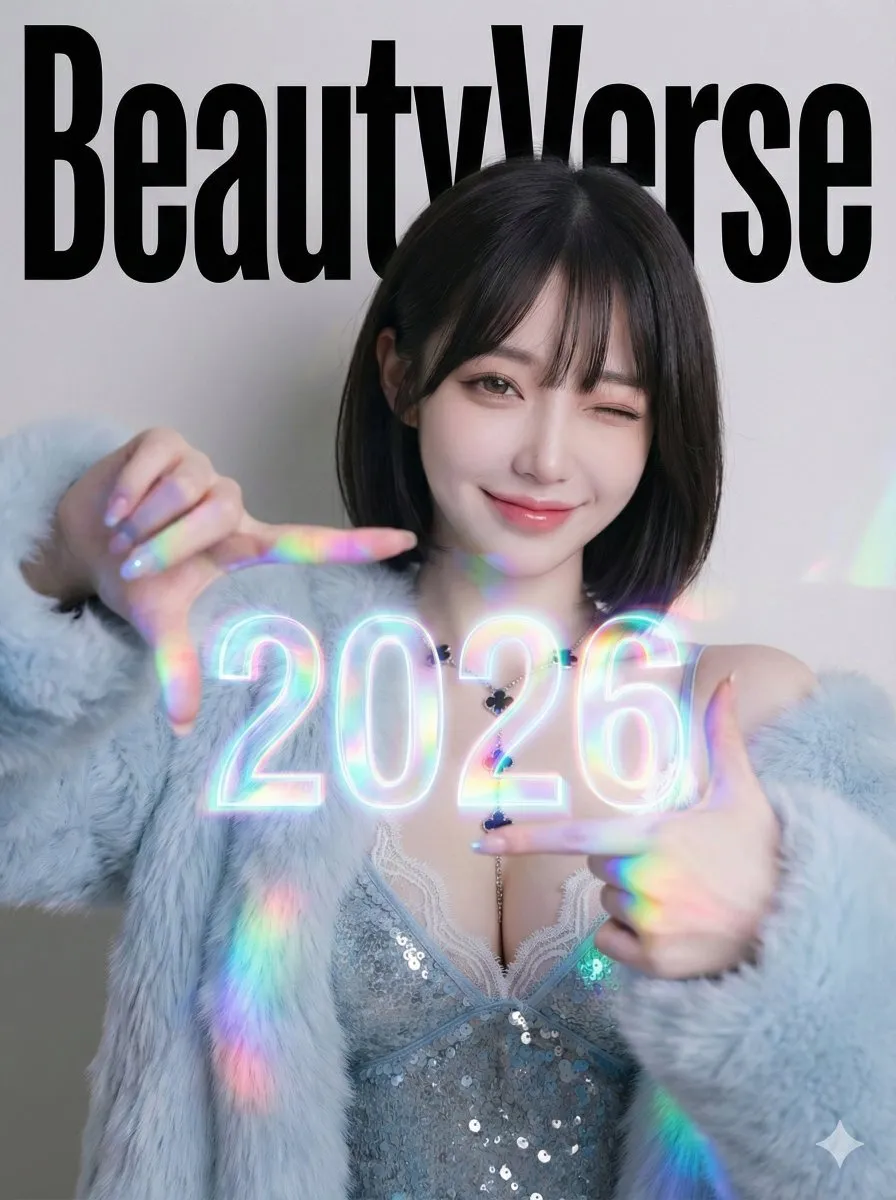
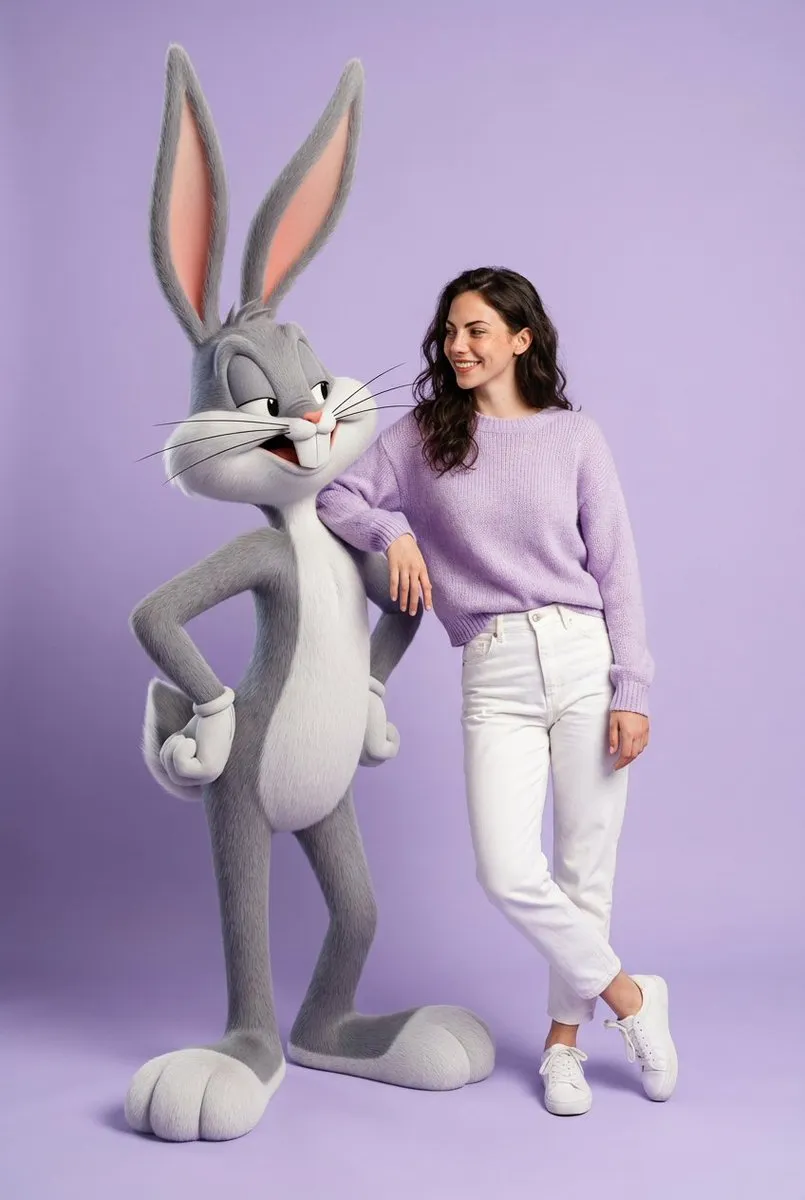
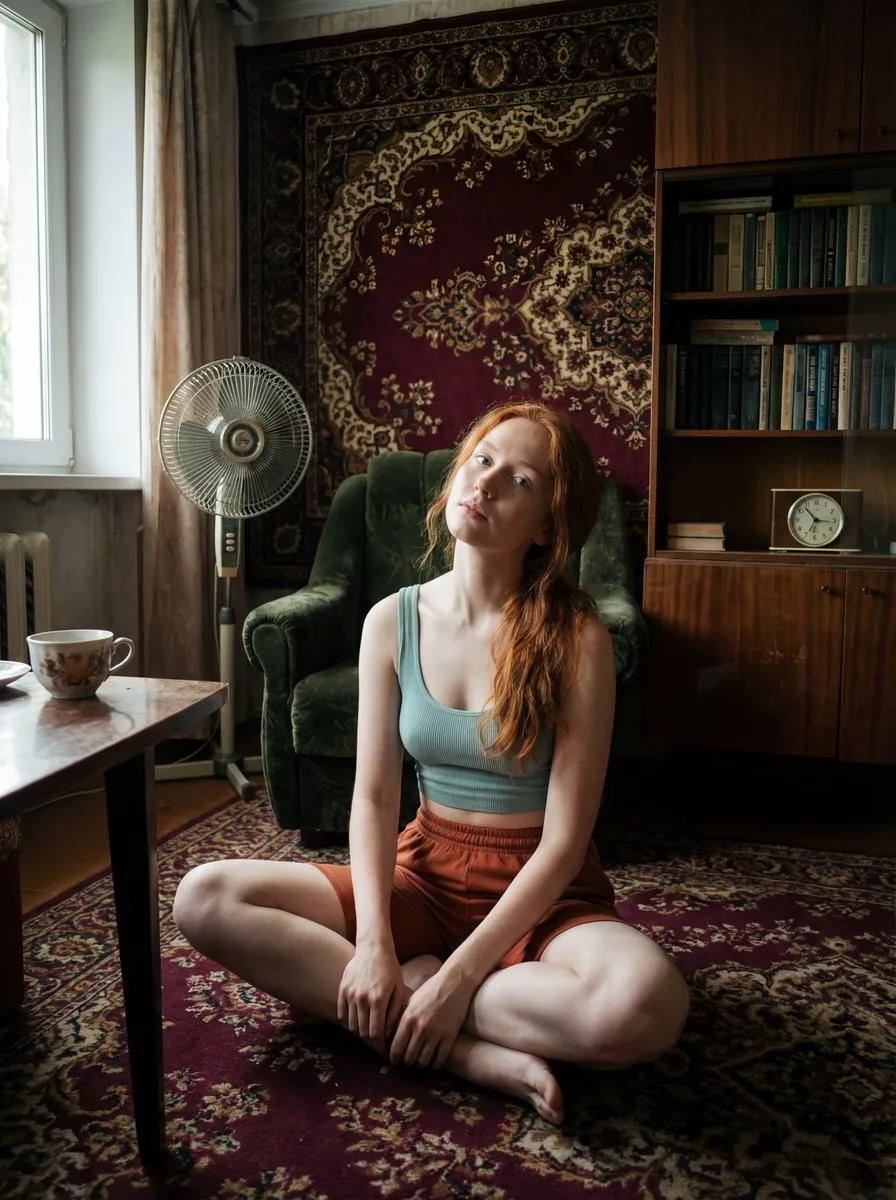
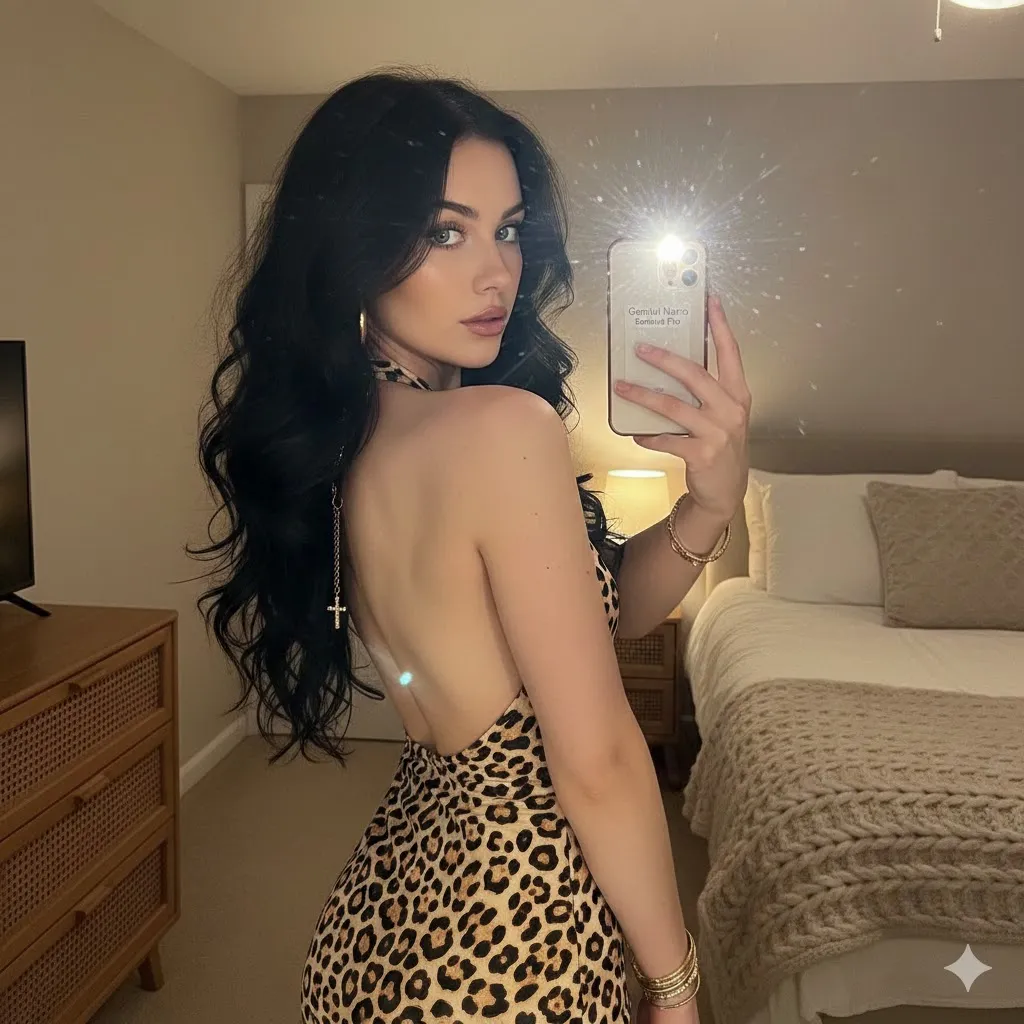
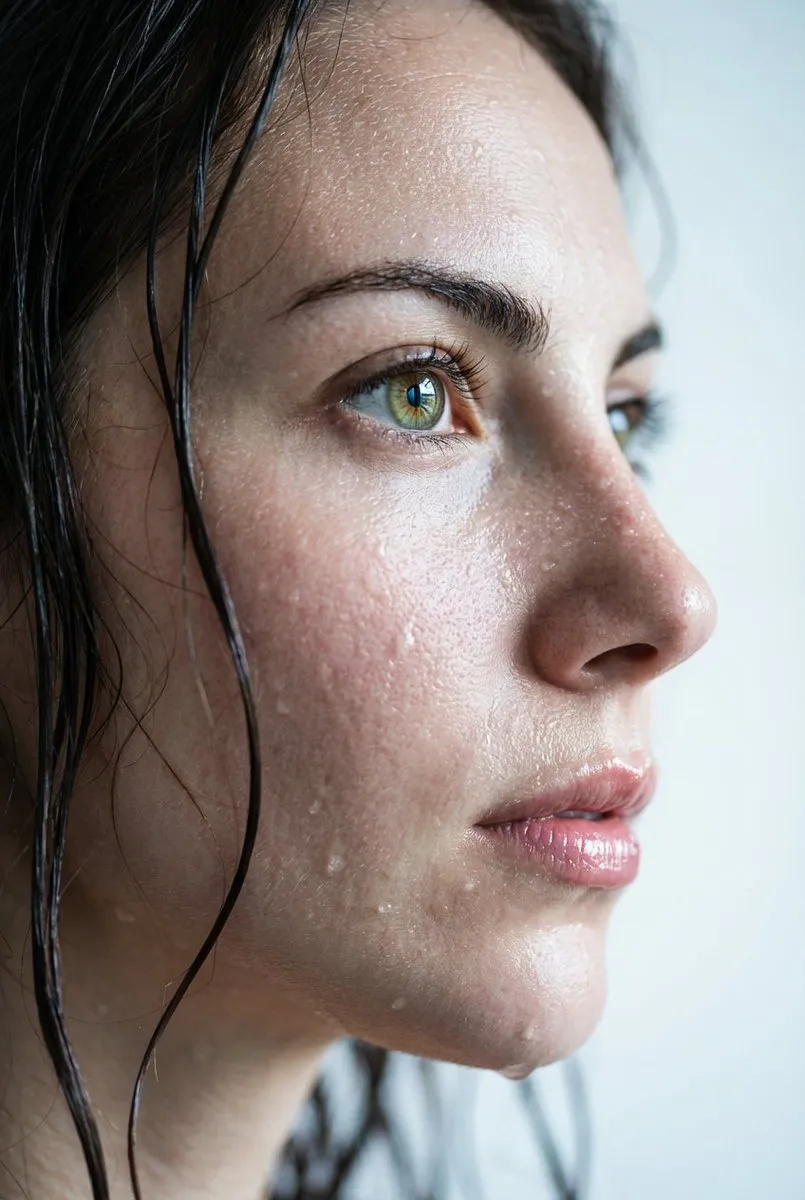
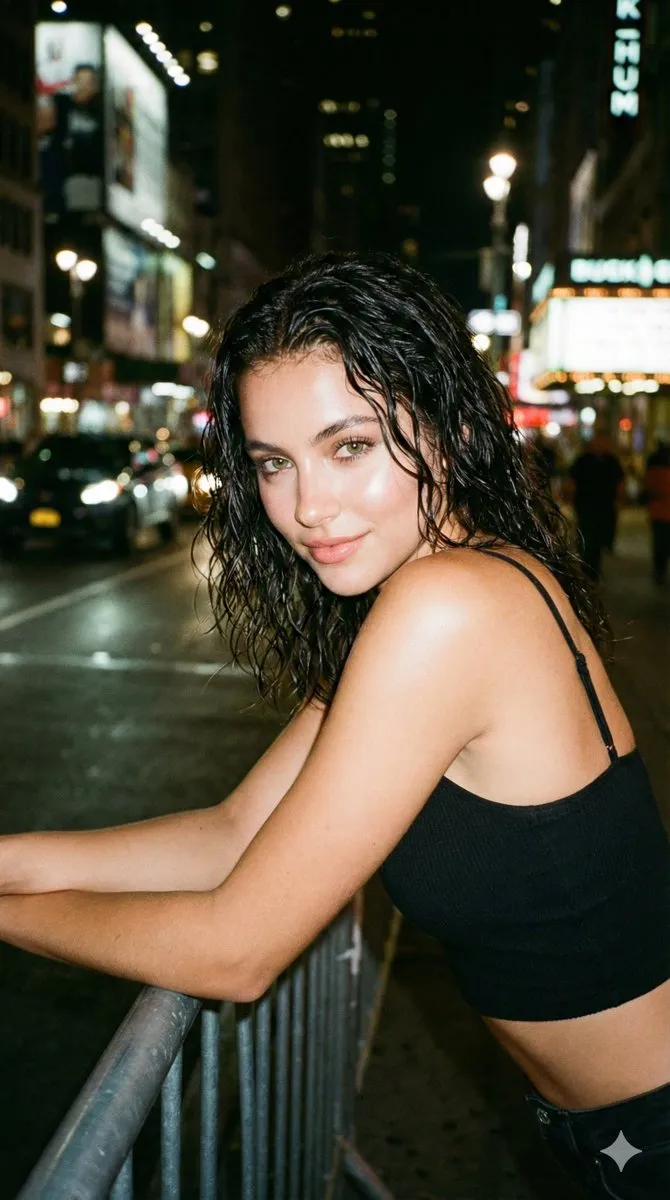
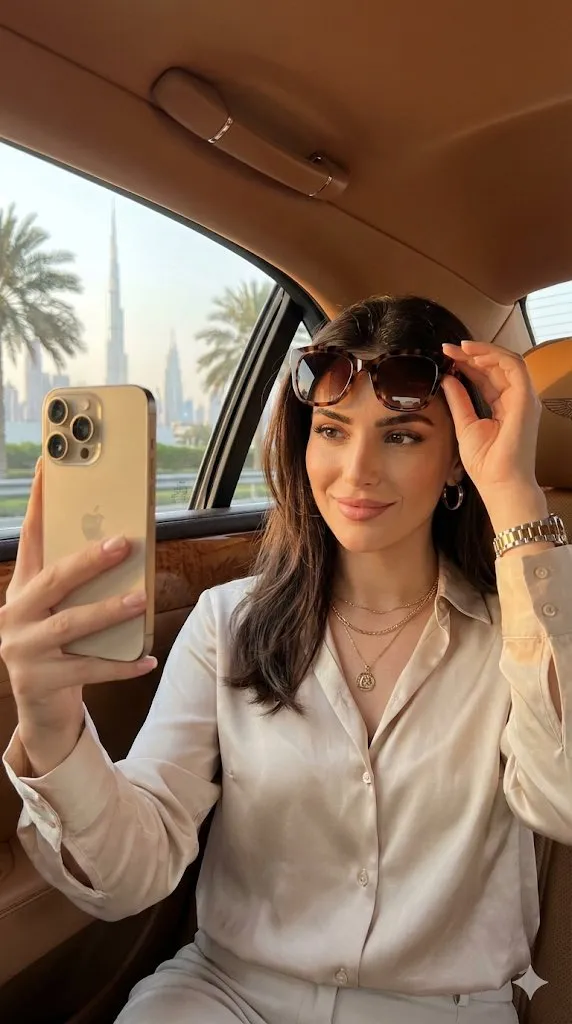
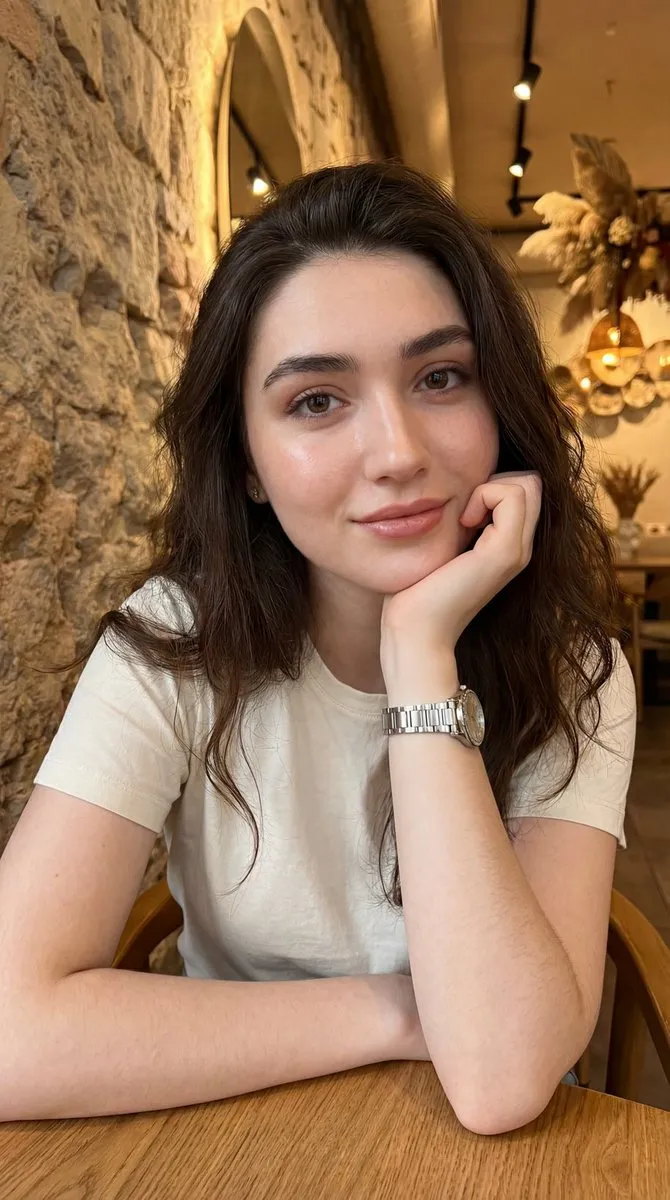
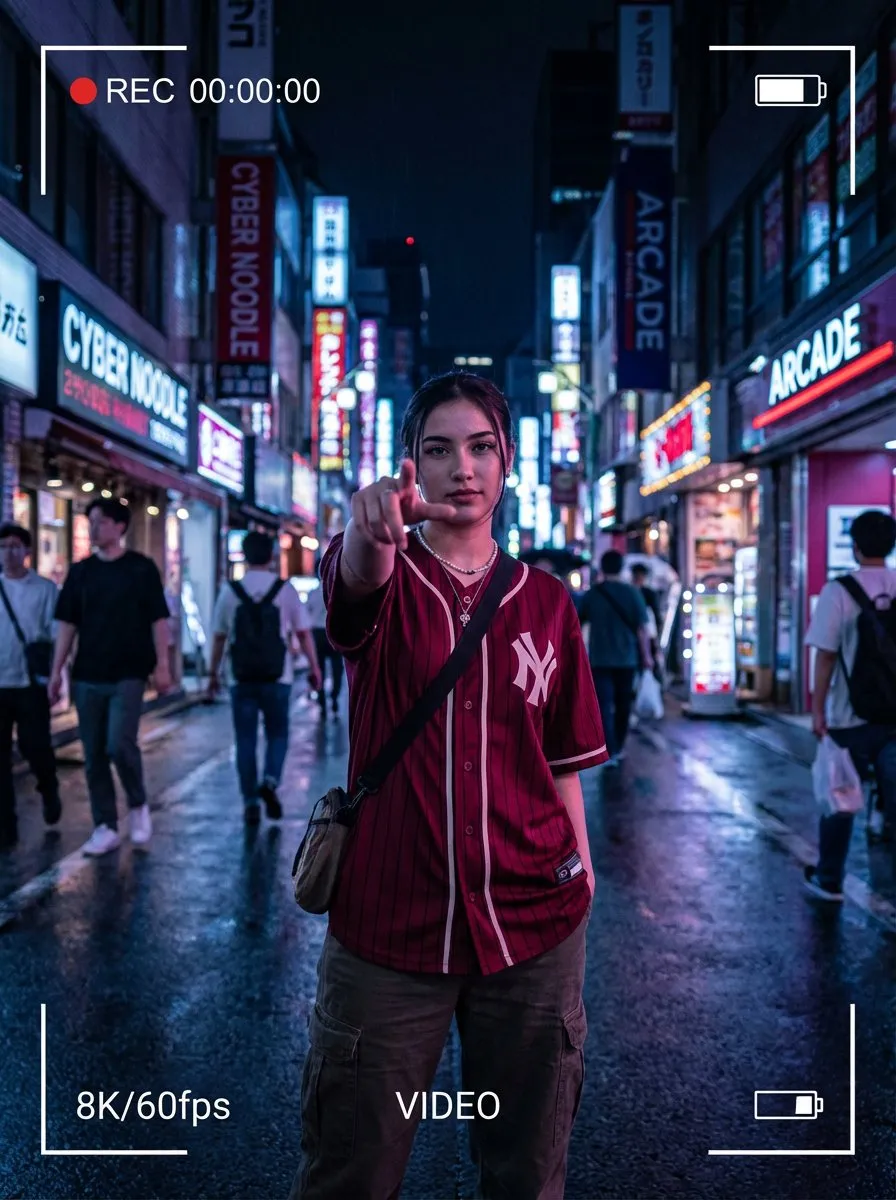
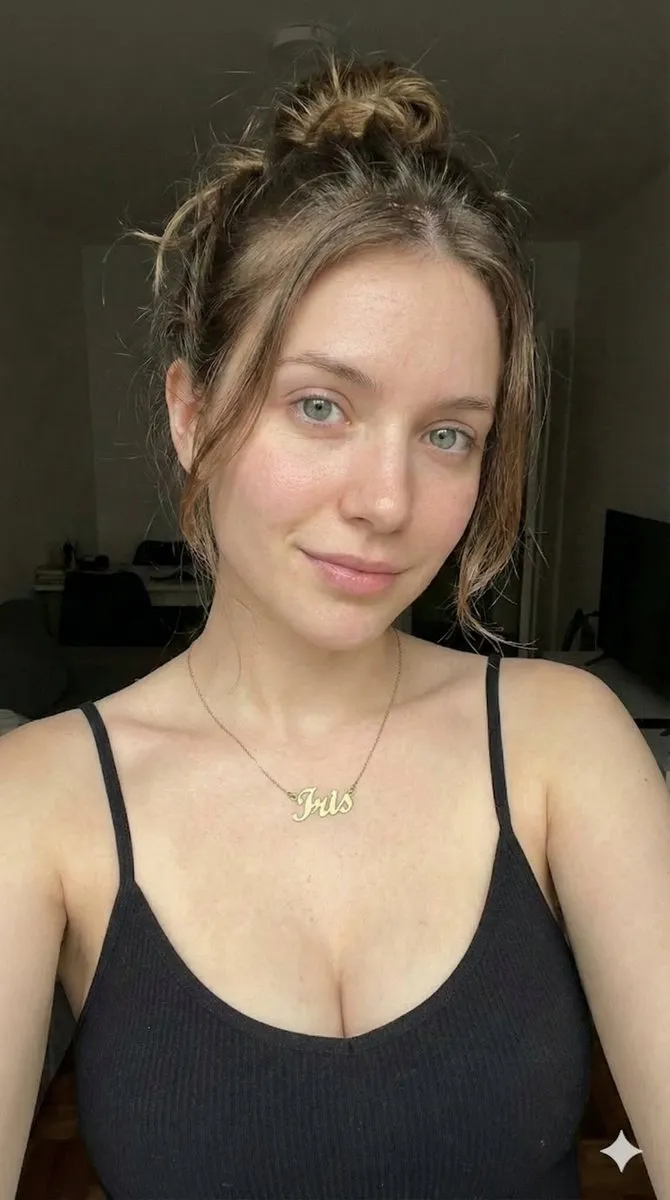
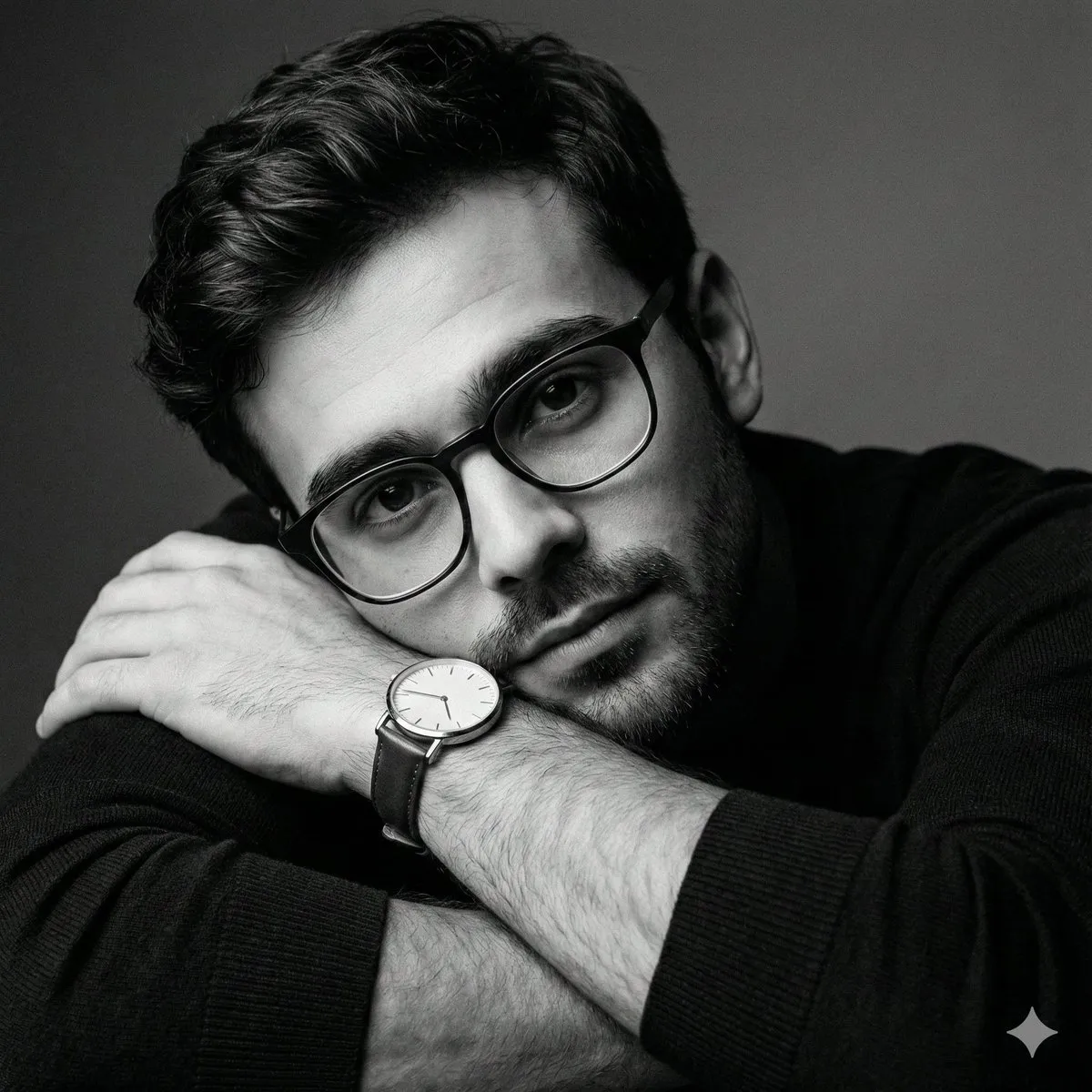
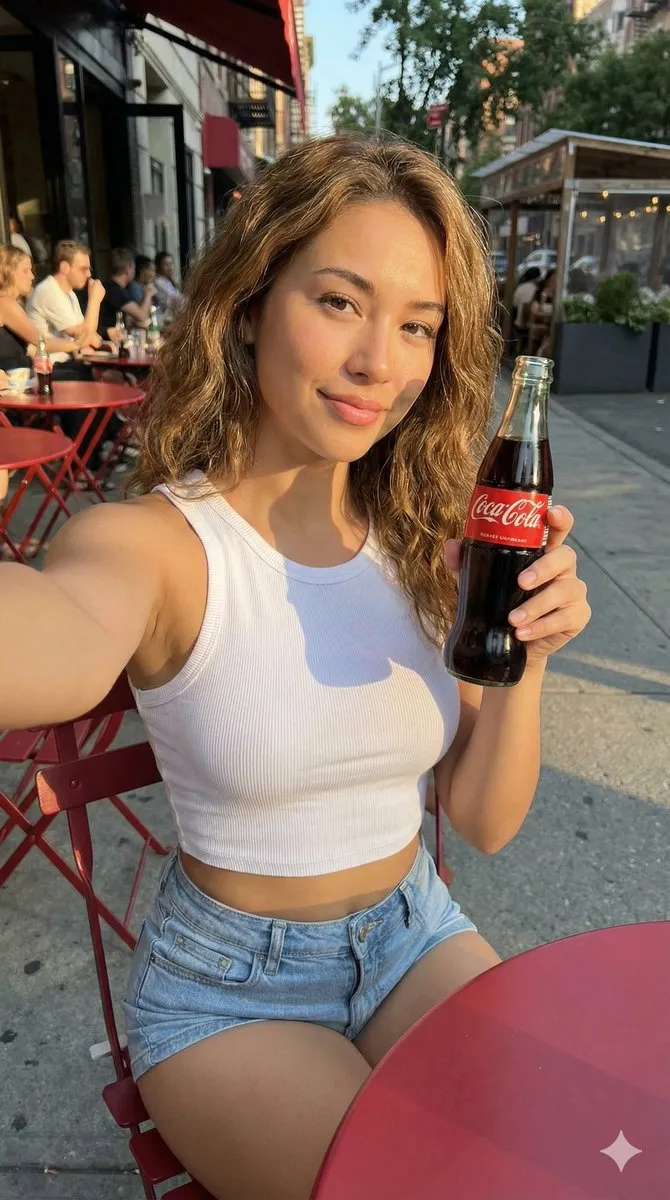
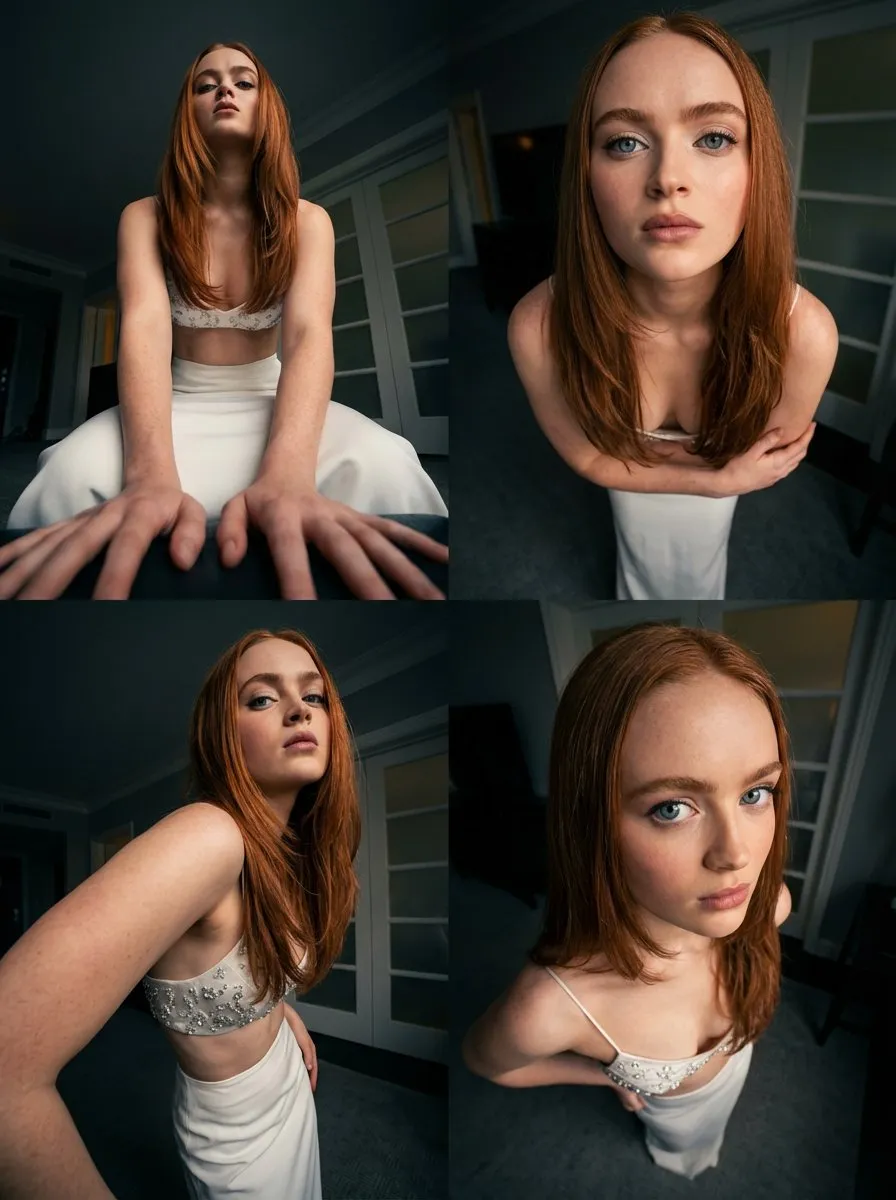
60+ professional headshot prompts for AI image generators. Studio lighting, corporate backdrops and business attire — copy and generate free.
Every prompt below links to the full prompt page with the image and copy button.
A good headshot is the difference between a profile that gets clicked and one that gets scrolled past. Hiring managers, conference organisers and clients all read the photo before they read the bio. For teams, booking a studio for thirty people is slow and expensive; with a modern image model and the right prompt, you can produce a consistent, on-brand set in an afternoon.
This collection gathers headshot prompts from our library that reliably produce business-ready portraits: clean studio light, neutral backdrops, natural skin texture and sensible framing. The prompts describe the camera, the lighting and the wardrobe rather than naming a specific person, so you can swap in your own subject description and keep the same look across a whole team.
Every prompt below is free to copy and links to its full page with the reference image. If you are new to prompt-based portraits, start with the guide underneath the list — it explains the four settings that make or break a headshot.
Headshots live or die on light. Name the source (softbox, window light, ring light), the direction (45 degrees, front-left, rim from behind) and the mood (soft, high-key, dramatic). Prompts that only describe the person usually come back flat and plasticky.
Say what crop you want — head and shoulders, chest-up, tight corporate crop — and add a lens such as 85mm or 105mm at f/2.0. Long lenses with shallow depth of field give the background separation that makes a portrait look professional rather than like a phone snapshot.
Office bokeh, seamless grey, soft gradient, stone wall — anything that does not compete with the face. Add 'even studio lighting, no harsh shadows' if you also need the image to survive a small circular avatar crop.
Ask for natural skin texture and visible pores instead of 'perfect skin'; over-smoothed faces read as AI instantly. If your model over-beautifies, add 'retouched lightly, keep natural freckles and skin texture'.